
Motion & 3D
Blender on Android Could Put Free 3D Design in Your Backpack
Blender for Android is being developed, but it is not a finished mobile replacement yet. Here is what is known, what can be tested and what makers should not assume from the announcement.
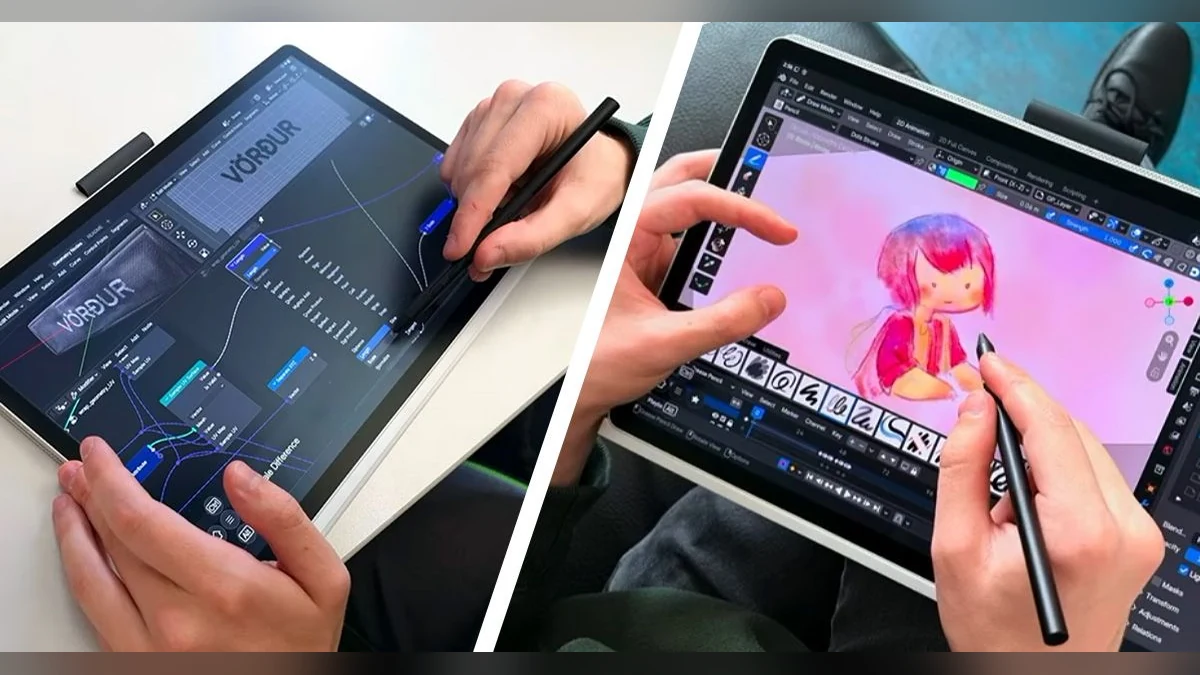
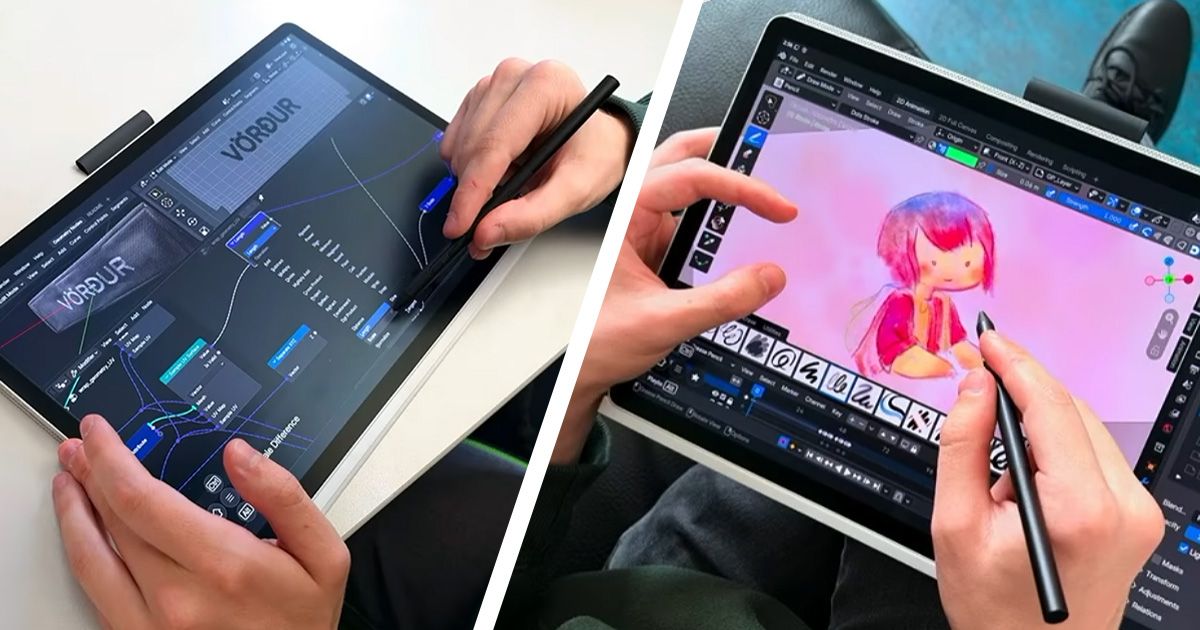
Blender is already one of the most powerful free creative tools around. The interesting question is what happens when more of that power fits on a tablet or phone.
Creative Bloq reports that Blender for Android is in development, with a larger release expected in the first half of 2027 and test builds available through Blender’s own channels.
Separate the real thing from the promise
This is not a “download Blender Android today and replace your workstation” story. Mobile 3D work depends on screen size, memory, GPU performance, pen support and how comfortable the interface is when there is no keyboard and mouse.
The useful part of the news is that the project is moving toward a portable workflow. A maker might inspect a model, make a small adjustment, show a client a concept or check a file away from the studio.
What to test when the build is appropriate
Use a copy of a simple file. Open it, orbit the model, select an object, move it, save a new version and close the app. Those basic actions tell you more than a dramatic render.
Check where the file is saved and whether it can move cleanly back to your desktop workflow. Never test an early build on the only copy of a production file.
Try this first
Keep a small, non-critical Blender file ready for testing. When an official Android build is suitable for your device, use that file to test navigation, selection, saving and export. Record what works and what feels awkward.