Cricut & Cutting
Engraved tumblers cracking? Check your pass settings first
Powder-coated tumblers need a two-pass approach, not one heavy blast. Get the speed and power wrong and you're not engraving the coating off cleanly — you're cracking and scorching it.
One heavy pass is the actual mistake
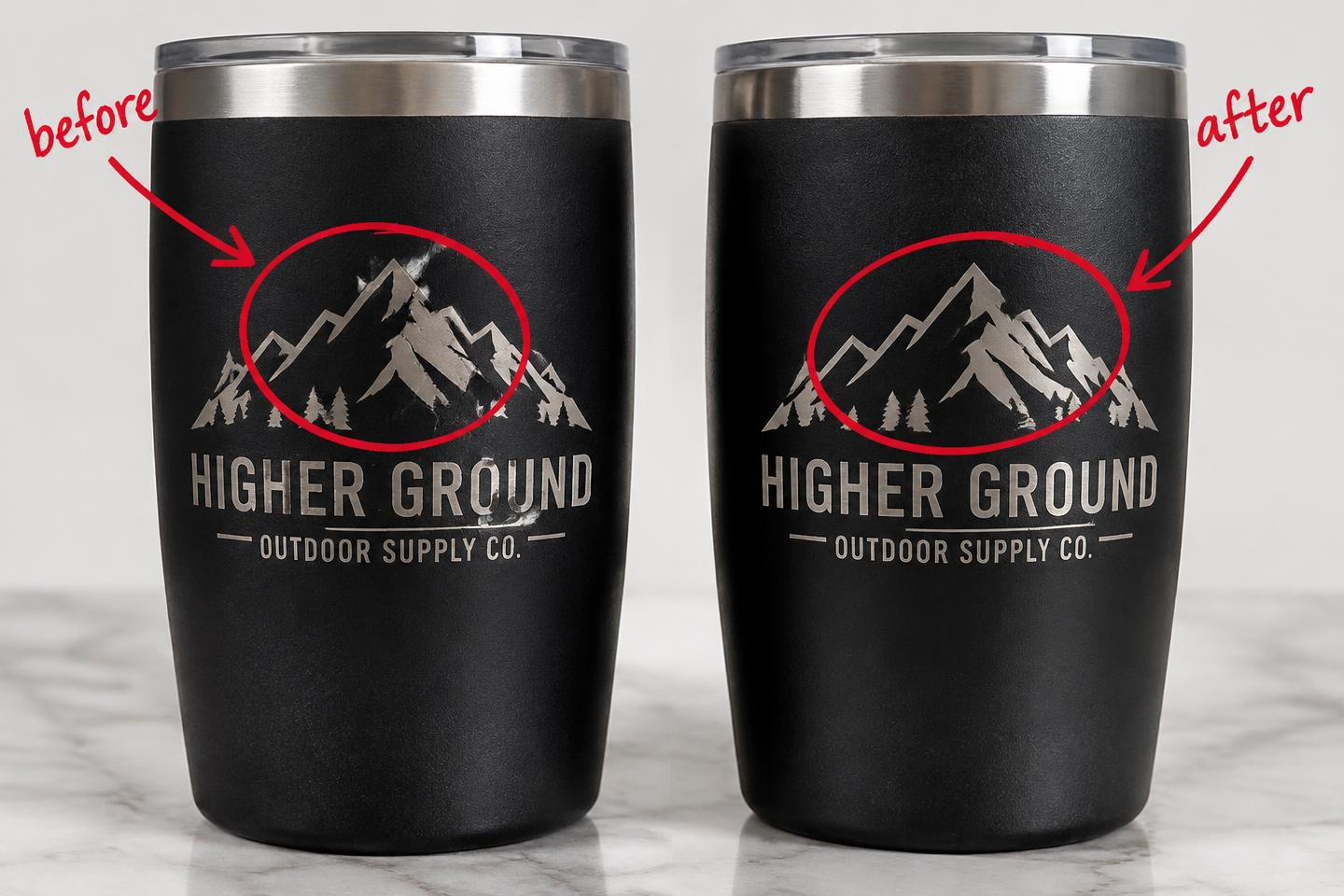
If your powder-coated tumbler engravings keep cracking, scorching around the edges or looking patchy, the usual culprit isn't your machine — it's trying to strip the coating and engrave the metal underneath in a single heavy pass.
Powder coating and the bare stainless underneath behave completely differently under a laser. What looks perfect on the coating can easily overheat and discolour the metal at the exact same settings. That mismatch is where the cracking and scorching comes from.
The actual fix is boringly simple
Manufacturer guidance recommends two passes: strip the coating first at a faster speed and lower power — roughly 80-90% speed with 10-15% power — then engrave the exposed metal underneath at a slower speed with higher power, around 30-40% speed.
If you're still getting a faded mark with leftover coating residue, you're running too fast on that first pass. If you're getting scorching around the design, drop your power slightly and add a light second pass instead of cranking one setting higher.
Before you touch your real stock
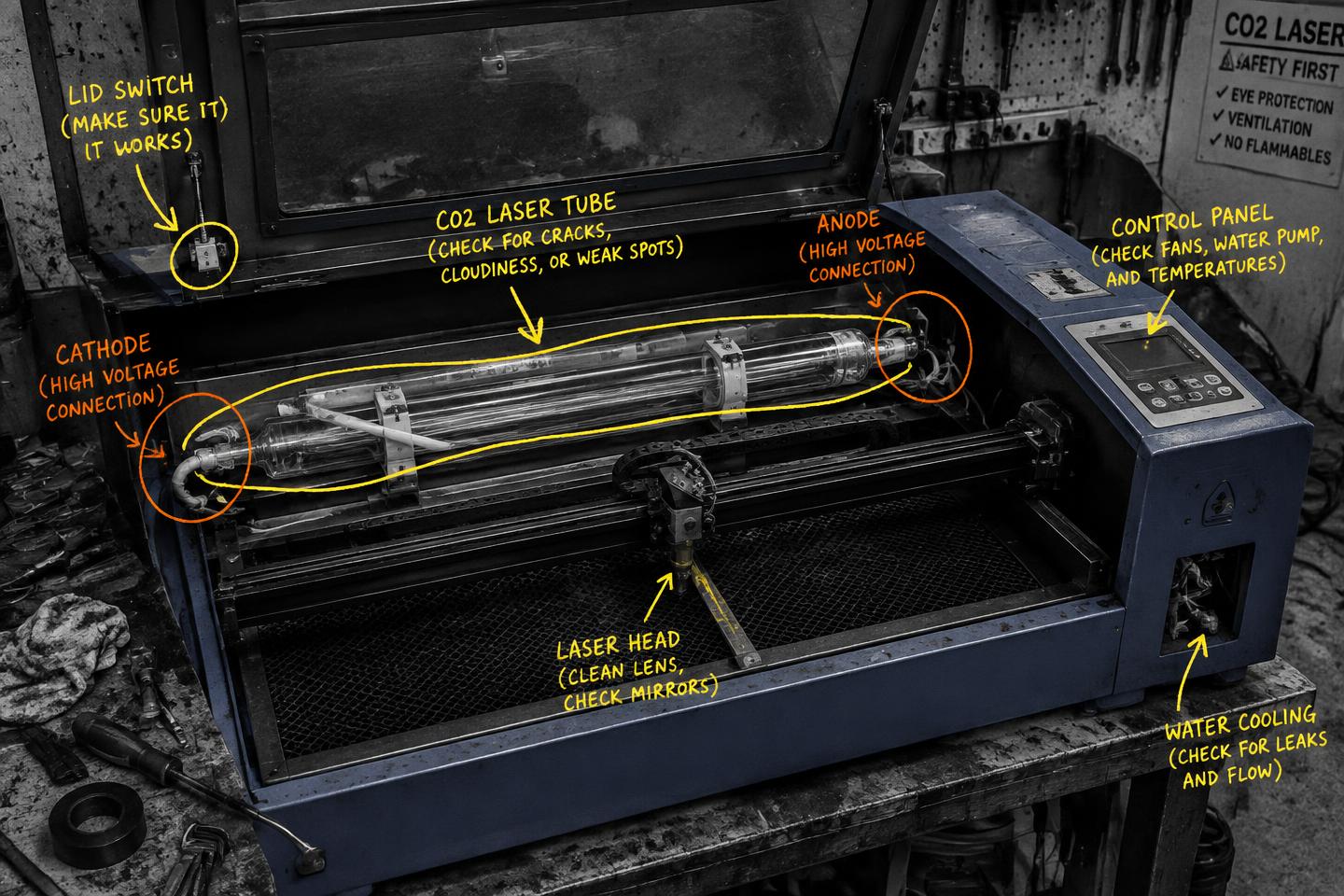
Clean your lens first — a dirty lens causes power to vary across the engraving area, which shows up as patchy results that look like a settings problem but aren't. That's an easy one to miss when you're chasing numbers instead of checking the machine.
My take: this is exactly the kind of fix that saves a seller real money. A cracked tumbler is a wasted blank and a lost sale. Run the two-pass approach on one scrap piece, dial it to your specific coating, then lock those settings in before you touch your paid stock.
Useful resource
Open AEON's support resources ↗
Use the manufacturer's support resources as a starting point, then fine-tune on a scrap tumbler before running your real stock.
Open resource