
Making & Fabrication
The Free Project Library That Starts With a File, Not a Blank Page
Designer Bee collects free laser, 3D-printing and paper-craft projects. We test the library the useful way: choose one small project, identify the required machine and material, and see what happens between download and finished object.
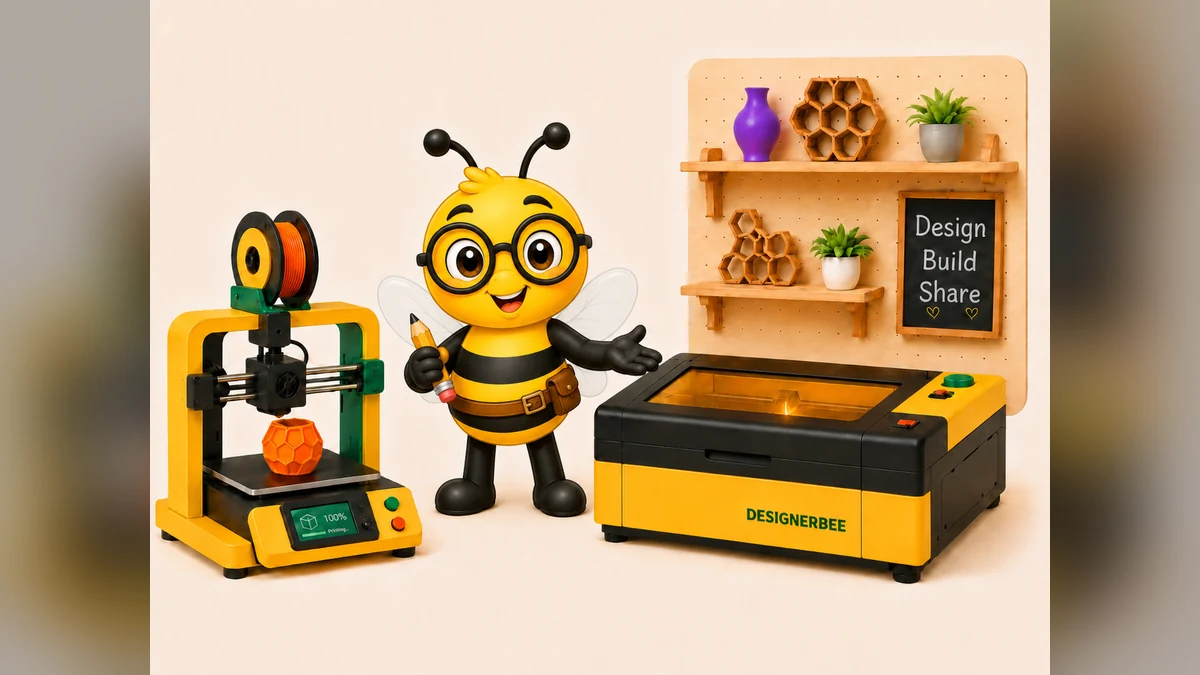
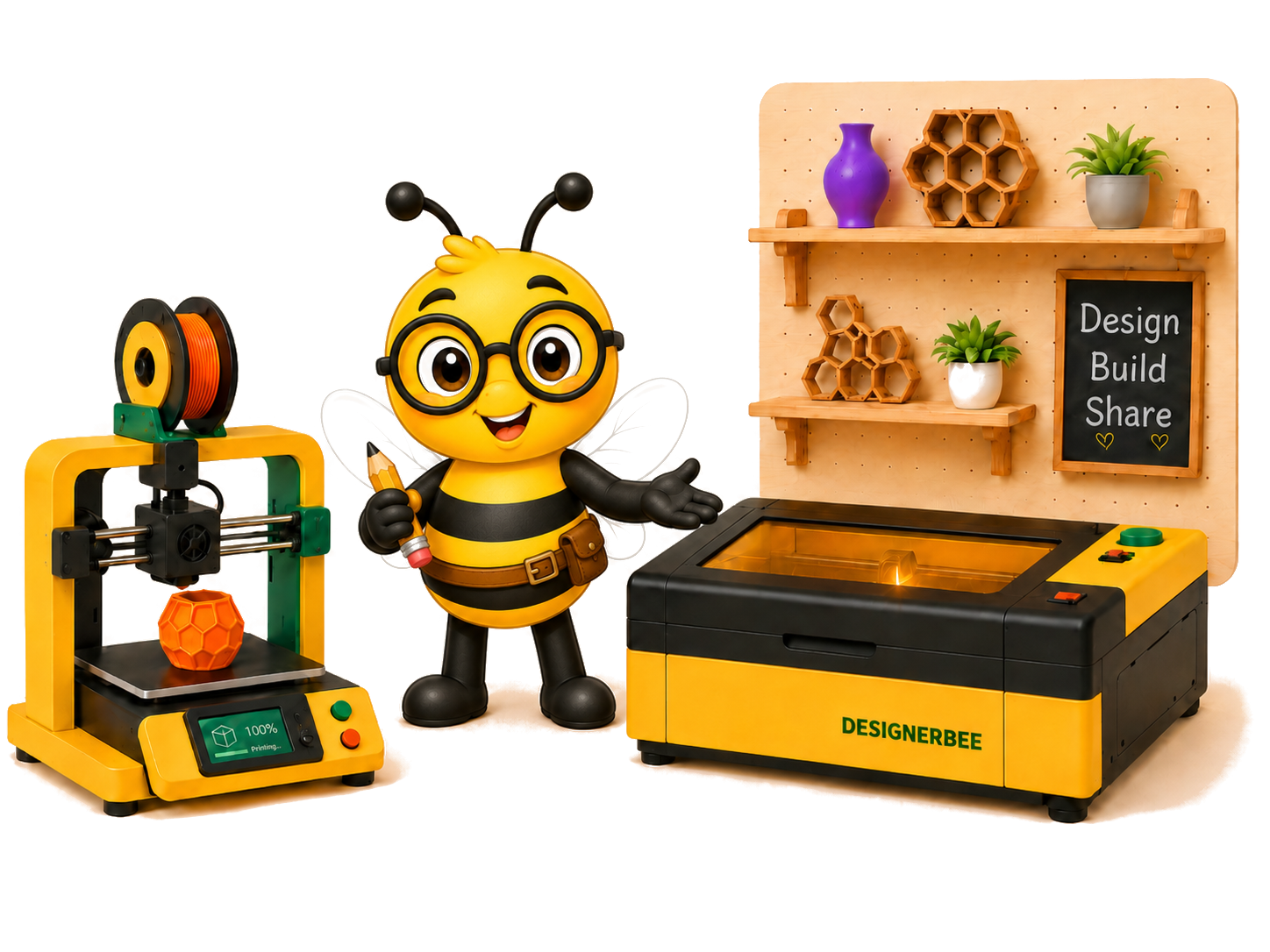
Blank-page syndrome is real. You can own a laser, printer or cutting machine and still spend the whole afternoon looking for something worth making.
Designer Bee is useful because it starts with projects rather than vague inspiration. The library includes laser-cut, 3D-printing and paper-craft ideas, including small practical objects and decorative experiments.
Choose a project that matches your machine
Before downloading, check the file type, material size and machine requirements. A project that says “laser file” may still assume a particular thickness, kerf or bed size.
Look for a project with a small number of parts and a clear first test. You want to learn whether the file, material and assembly make sense before committing to a complicated build.
The real value is the starting point
A free project does not need to become a perfect copy. Use it to understand how the parts fit, then change the size, material or surface treatment. The best free files are jumping-off points.
Keep the original file untouched. Save your modified version separately and record what you changed. That makes it much easier to return to a working baseline.
Try this first
Pick the smallest project you can finish in one session. Download it, open the files, check the dimensions and make a test part from scrap. If the test works, make the final version. If it does not, you have learned something cheaply.