
CNC & Laser
The Free CNC Files That Change Size Before You Download Them
FilesCNC lets you customise boxes and furniture before downloading SVG, DXF or PDF files. The important part is knowing which measurements still depend on your machine and material.
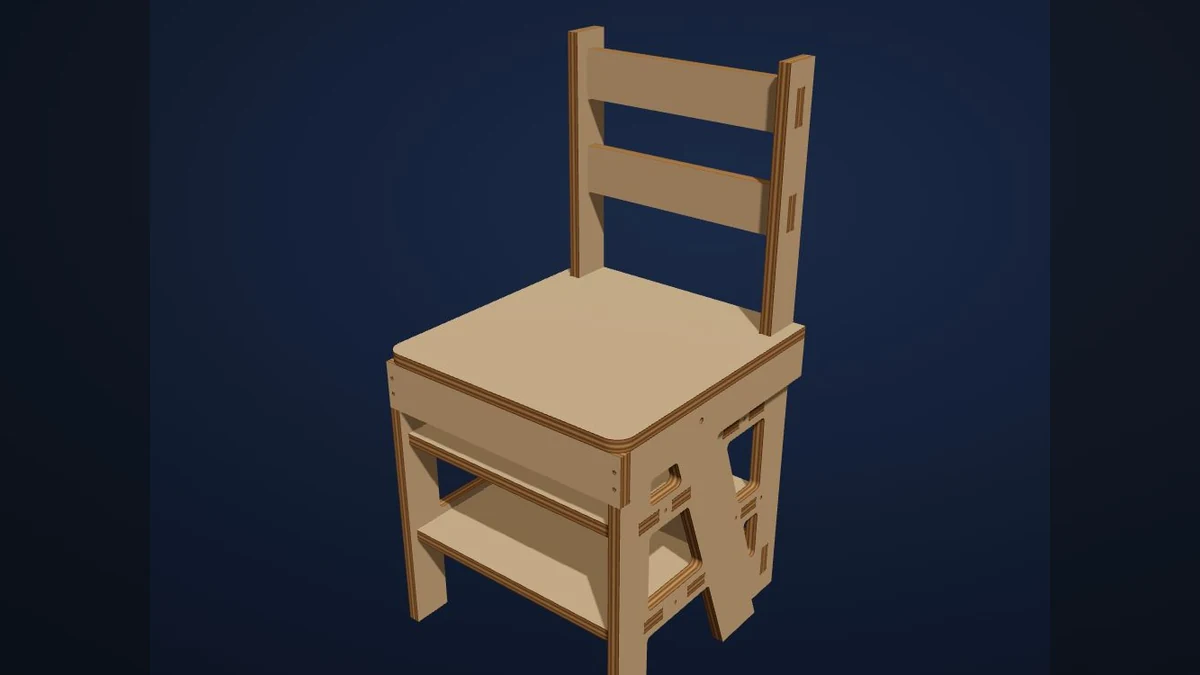

Most free cutting files assume your material, your machine and your idea are exactly the same as the person who uploaded them.
FilesCNC takes a more useful route. It lets you create files for boxes and furniture at custom dimensions, then export formats such as SVG, DXF and PDF.
Custom size is only the beginning
Enter the outside dimensions, but also think about what those dimensions mean. Is the measurement inside or outside? Does the lid need clearance? Will the item be painted, lined or joined with hardware?
For CNC work, check whether the design needs dogbones in internal corners. For laser work, check the material range and whether the file assumes a particular thickness.
Preview is not proof of fit
Open the downloaded file in your normal software. Inspect the scale, paths and joinery. If the preview shows a lovely rendered object but the file contains a dozen duplicated lines, the render is not helping you.
Run a small test in cheap material. It is faster to discover a tolerance problem on one corner than on a full sheet.
Try this first
Generate a small open box using the exact material you have on hand. Measure the material with callipers, enter that value, export the file and cut one side panel first. Test the joint before cutting the rest.