
CNC & Laser
The Free Browser Tool That Turns Any Photo Into a Lithophane or Relief
Depthue turns a normal photo into a depth map, relief preview, PNG or STL file. Here is what it is good for, where it falls over and how to make a first test without wasting material.
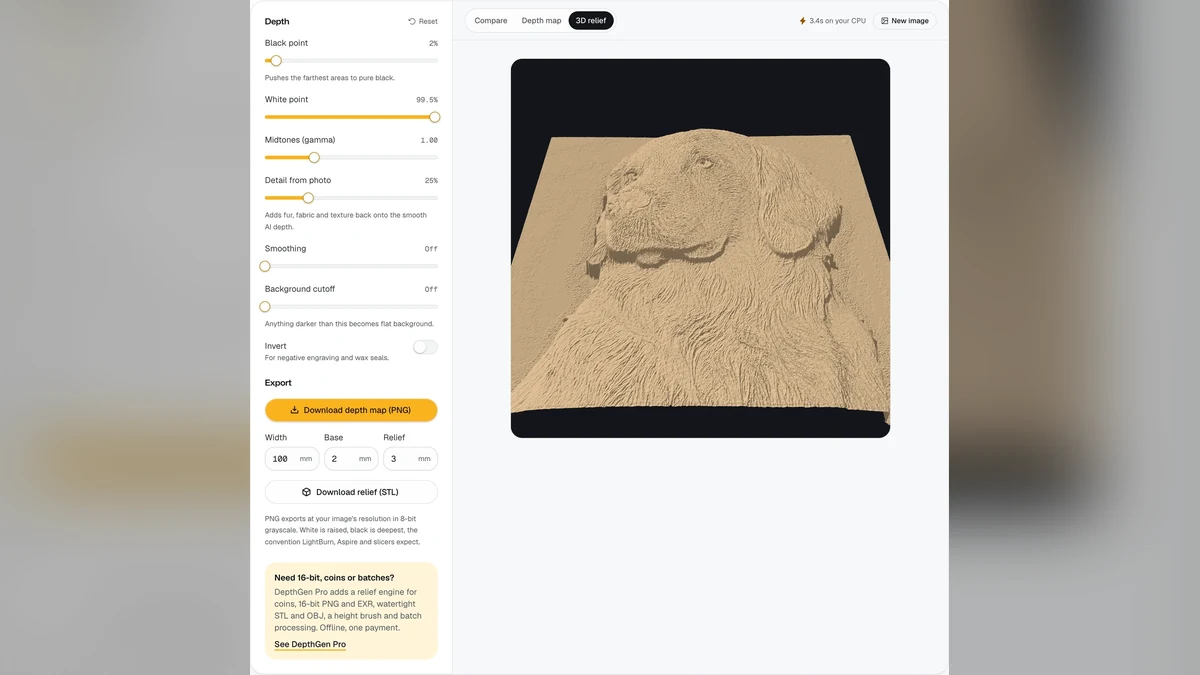
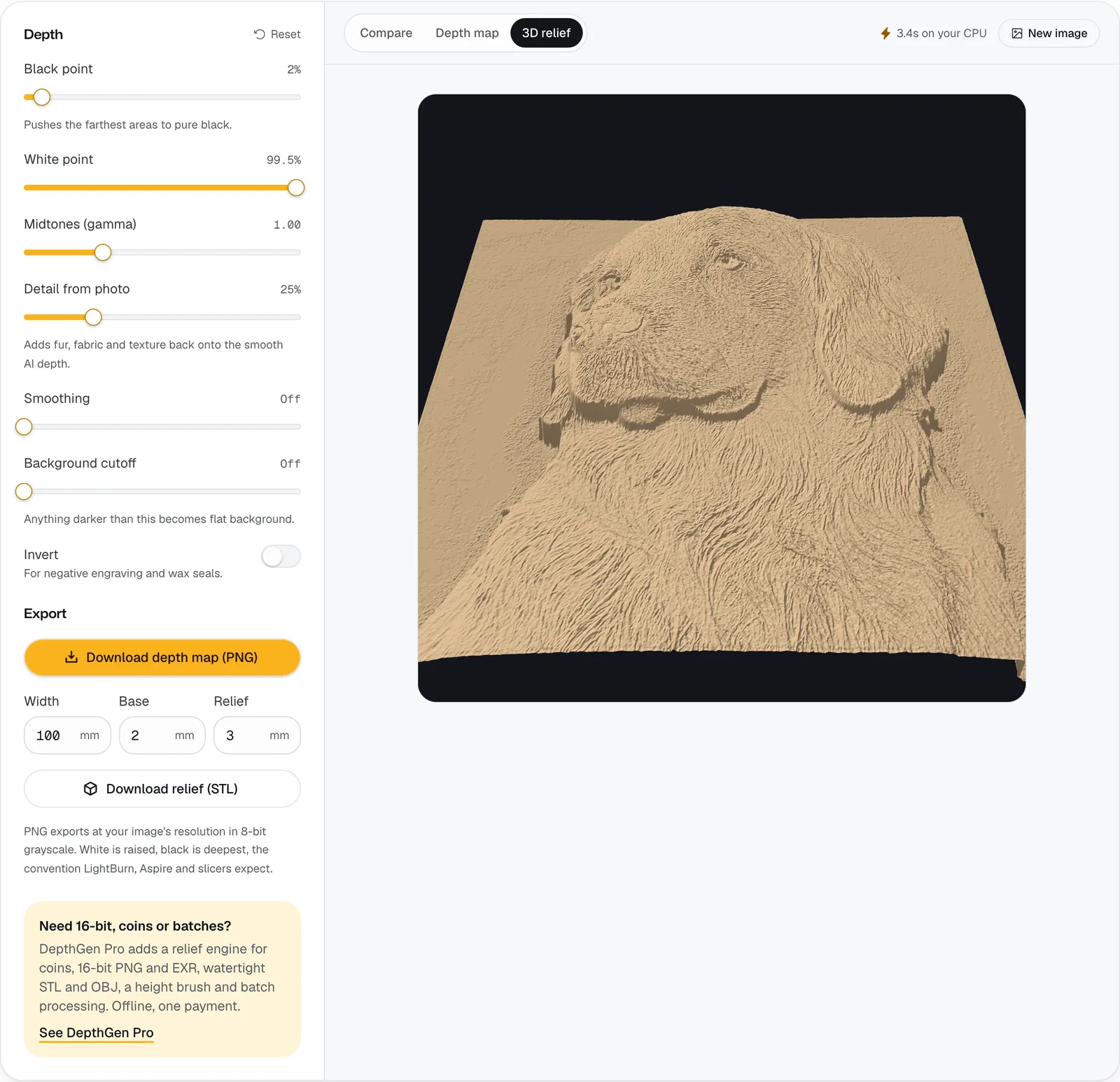
A normal photograph is flat. A lithophane, relief or carved panel needs the picture to become depth.
That is the useful thing about Depthue. It takes an image, turns it into a grayscale depth map and lets you preview a 3D relief before downloading a PNG or STL. You can use the result for a 3D print, a lithophane, a shallow carving or a laser workflow that needs tonal information.
Start with the picture, not the machine
The first mistake is choosing a complicated photo because it looks beautiful on a screen. A depth tool needs clear light and dark shapes. A face with a simple background will usually survive the conversion better than a busy group photo with ten overlapping objects.
The rough rule is simple: light areas become one height, dark areas become another, and everything in between becomes a slope. That means a photo with good separation is more useful than one with lots of tiny detail.
Upload a copy of the photo rather than the only original. Check the preview. If the face, lettering or main object disappears into the background, fix the image first with contrast or a cleaner crop.
What to download and what to check
Depthue offers a browser preview and downloadable outputs. The site presents the tools as free, but the result still depends on your own machine, material and settings. A perfect-looking preview is not proof that a print will be readable.
Before you commit to a large piece, make a small test. For a lithophane, look for the lightest and darkest areas. For a relief, check whether the highest areas have enough separation to cast a visible shadow. For a laser or CNC job, confirm that the output format matches the software you normally use.
Try this first
Choose a high-contrast portrait or simple object. Upload it, generate the depth preview and download the smallest useful test file. If you can see the subject at thumbnail size, you have a chance. If it already looks muddy in the preview, more material will not fix the source image.