
Motion & 3D
Premiere Is Free on Android—Here’s What You Can Actually Make
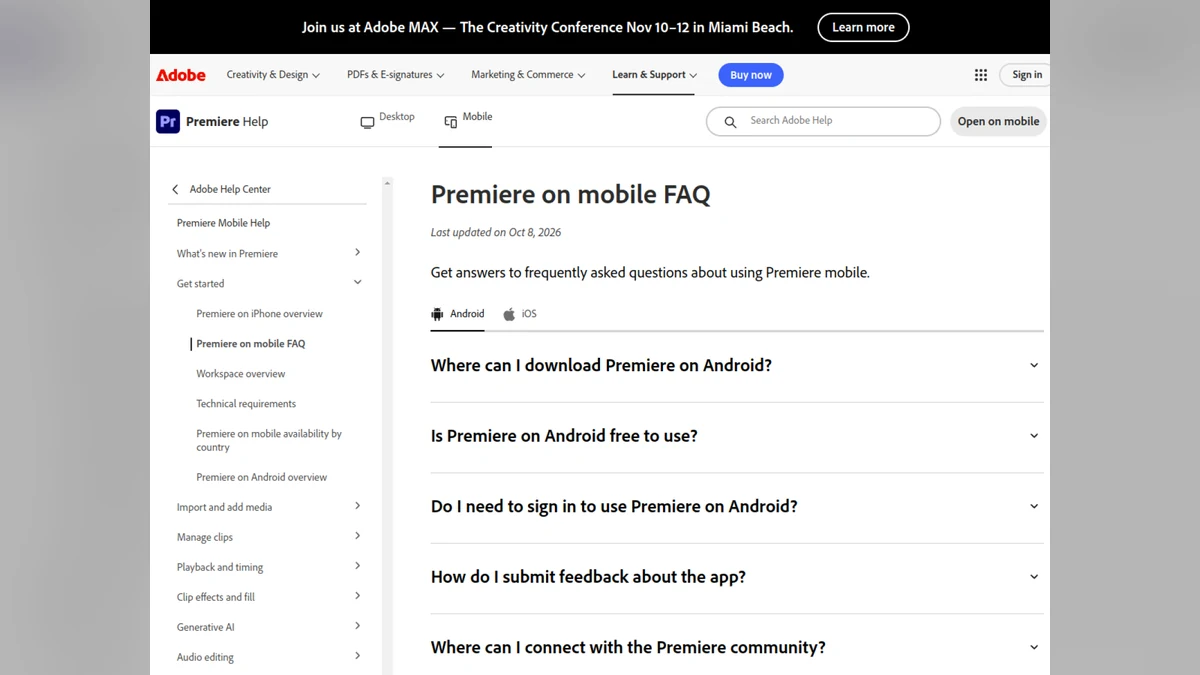
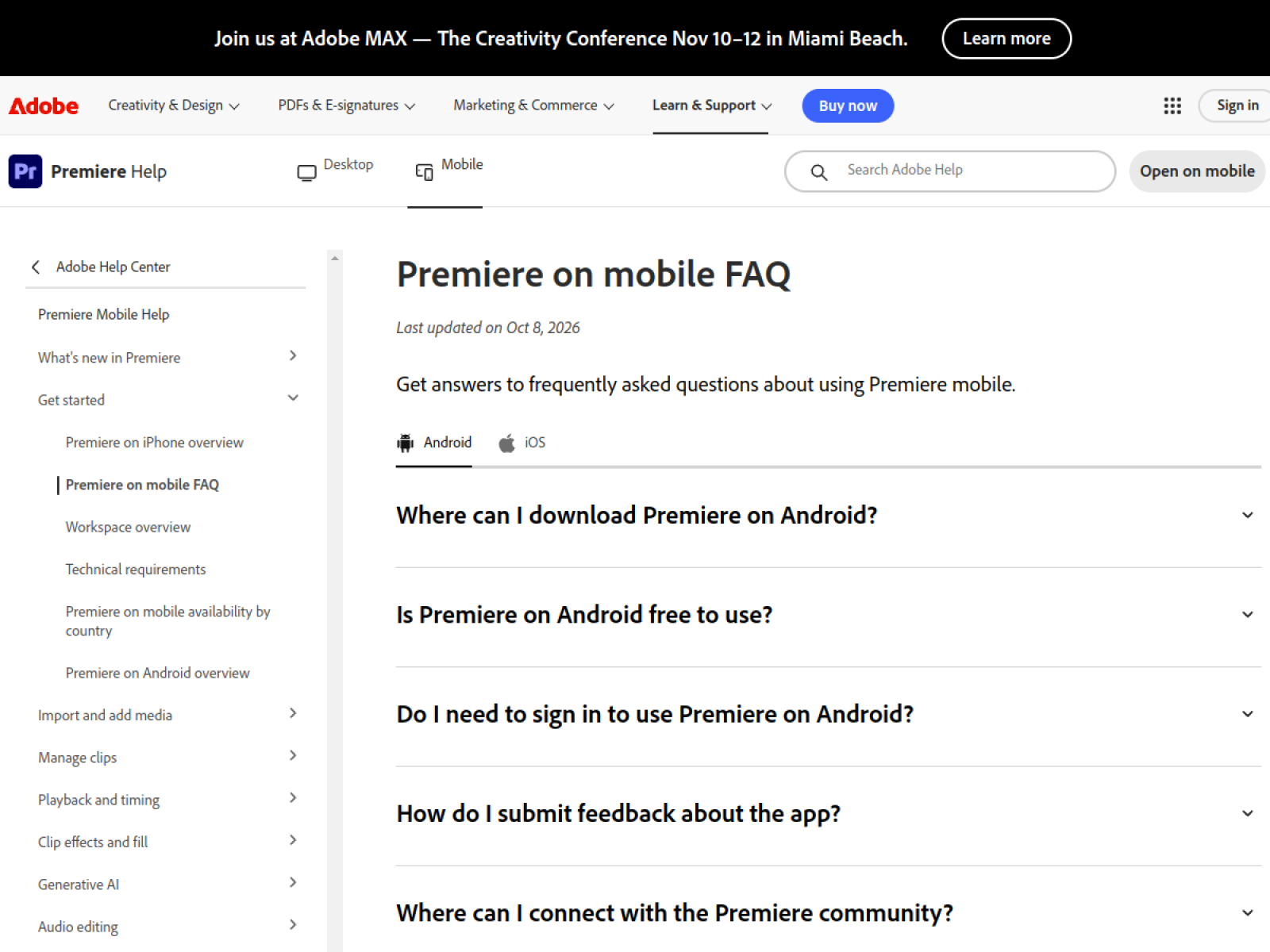
Adobe Premiere on Android is free for core editing, saving and exporting. We separate the genuinely free workflow from the features that need a login, cloud storage or generative credits.
You do not need a cinema camera to make a useful maker video. You need a phone, a clear idea and an editor that does not make the first export feel like a negotiation.
Adobe says Premiere on Android can be used to edit, save and export locally without an Adobe account for the core workflow. Some stock, AI, storage and connected features require sign-in or additional credits.
Make one useful video first
Do not begin with a ten-minute documentary. Film a short process: loading material, setting up a tool, opening a file or showing the finished result.
Keep the first project simple. Trim the dead time, add one readable title and export a version that works on your phone. If the video is useful without music, transitions or AI effects, you have a real workflow.
Watch the limits
Adobe lists Android version and hardware requirements, including a minimum RAM requirement. The exact experience depends on your phone, storage and the media you import. A free app is not the same as unlimited cloud use or unlimited generative features.
Read the export settings before you start. Check the resolution, frame rate and file size. A video that looks great in the editor can become a very different file after export.
Try this first
Shoot three clips of the same project: the setup, the action and the result. Edit them into a 20-second vertical video. Export locally and watch it once with the sound off. If the story still makes sense, you have made something worth posting.