
Graphic Design
500,000 Free SVGs Is Not the Same as 500,000 Safe SVGs
SVG Repo is a huge source of free vectors, but “free download” does not automatically mean “use it anywhere.” Here is the short licence and file-cleaning routine that prevents a cheap project becoming an expensive mistake.
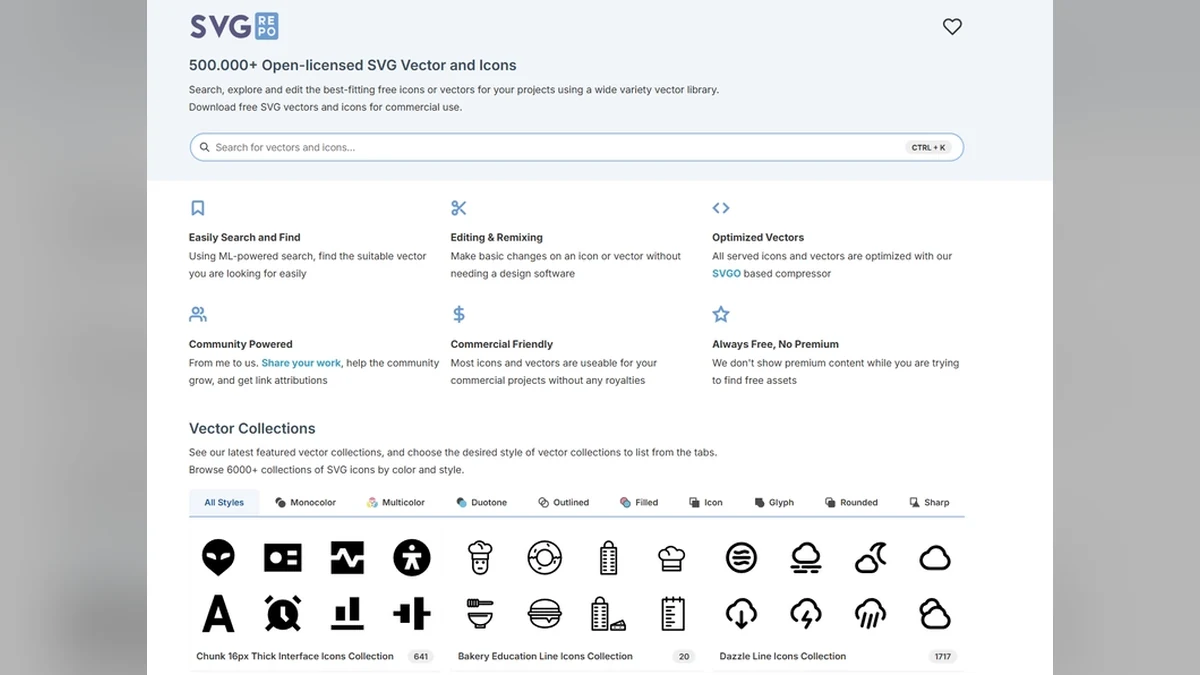

Free SVG sites are brilliant right up until somebody asks where the artwork came from.
SVG Repo has a huge library of open-licensed icons and vectors. It is useful for prototypes, labels, interfaces, classroom work and plenty of personal projects. But the licence belongs to the individual file, not to the cheerful word “free” on the home page.
Check the file, not just the website
Open the individual asset page. Read the licence. Look for attribution requirements, commercial-use restrictions, modifications and whether the file is actually public domain or simply available at no charge.
Save the source URL with the file. If you use the design in a product, keep a note of the licence and the date you downloaded it.
Clean it before it reaches the machine
Open the SVG in your vector software. Check for duplicate lines, hidden objects, clipping masks, embedded raster images and strokes that need converting to paths. A file that looks fine on screen can cut twice or fail to cut at all.
Also check the scale. SVGs can arrive with different unit assumptions, which is a very boring way to make a very expensive mistake.
Try this first
Choose one simple icon. Download it, record its licence, open it in your software and inspect the layers and paths. Cut it in scrap material. That five-minute routine is worth doing before you build a product around somebody else’s artwork.