
Fashion & Textile Design
This Free Tool Turns SVGs Into Embroidery Files
Ink/Stitch adds free embroidery digitising to Inkscape, with stitch previews, lettering and exports for popular machine formats across Windows, Mac and Linux.
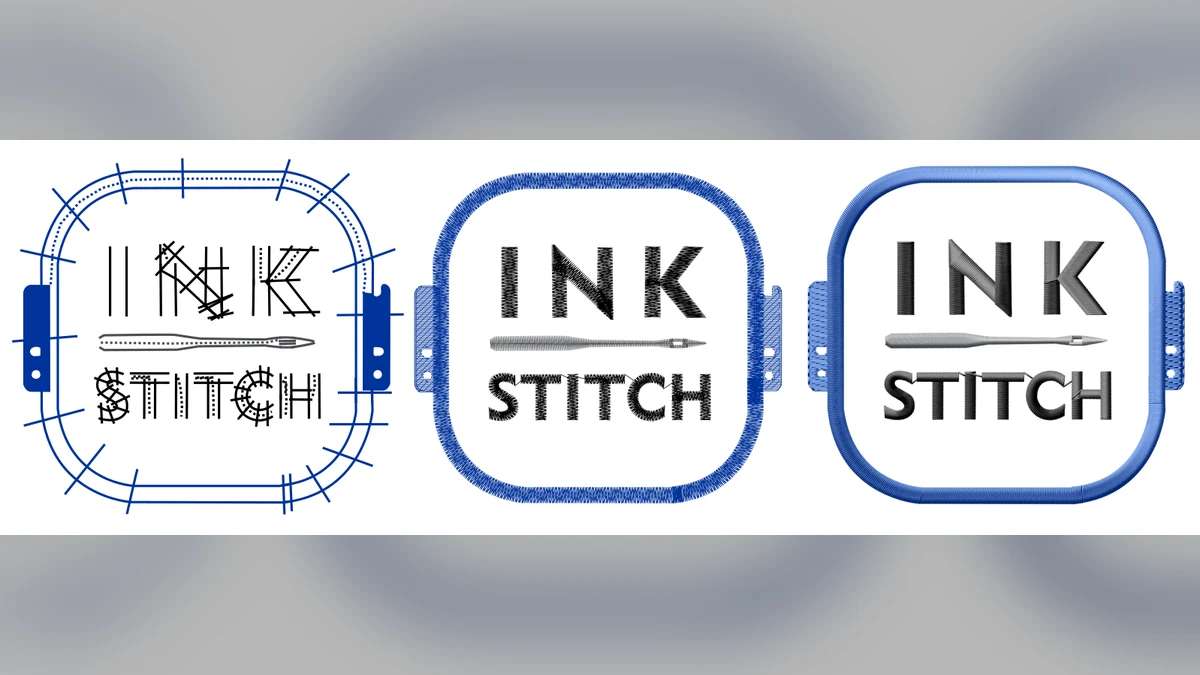
Your SVG is not an embroidery file yet
An SVG can describe a lovely clean shape. An embroidery machine needs considerably more gossip: stitch type, direction, density, underlay, order, jumps and the moment the thread should stop behaving like a tiny rope.
Ink/Stitch is a free, open-source extension that adds that digitising work to Inkscape. It can turn vector paths into running stitches, satin columns and fills, preview the stitch-out and export to many common embroidery-machine formats.
Start with Ink/Stitch’s three-step basic exercise: draw a filled circle, convert it to a path, open the stitch parameters and save a copy in the format your machine uses. It is deliberately boring, which is perfect. Learn on a circle before feeding it your detailed dragon crest.
What you actually get for free
Ink/Stitch is available for Windows, macOS and Linux and is licensed under GPL 3.0 or later. It includes lettering tools with pre-digitised fonts, a stitch simulator, thread palettes, PDF worksheets and controls for running, satin and fill stitches.
On Windows, Ink/Stitch currently recommends a normal website installation of Inkscape rather than the Microsoft Store build, which can cause extension-install problems. The current Windows page lists Ink/Stitch 3.3.0, released 31 July 2026.
The catch is the same one paid software cannot magically remove: digitising is a craft. Tiny text, thick satin areas, poor sequencing and unsuitable fabric can still produce bird nests, puckering and language not suitable for a calm sewing room.
Make a patch, not a masterpiece
For the first useful project, choose a bold three-colour mark with no hairlines. Preview the stitch order, make a scrap test on the actual fabric and record the stabiliser, needle and thread used.
Once it works, that little test can become a patch, cap, work-shirt mark or label. The free tool is valuable because it lets you learn the process without paying for software before you know whether embroidery digitising is your thing.
Try this first: Digitise a 50 mm circular patch with one fill, one satin border and one line of lettering. Test it on scrap before touching a customer garment.
Cost/account/licence: Free and open source; no subscription; Inkscape is required; GPL 3.0-or-later applies to the software. Always check the licence of any font or artwork you import.