
Photography & Art Direction
Your Phone Can Turn Real Objects Into 3D Models
RealityScan Mobile turns a circle of ordinary phone photos into a textured 3D model, with live coverage feedback and free iOS and Android apps.
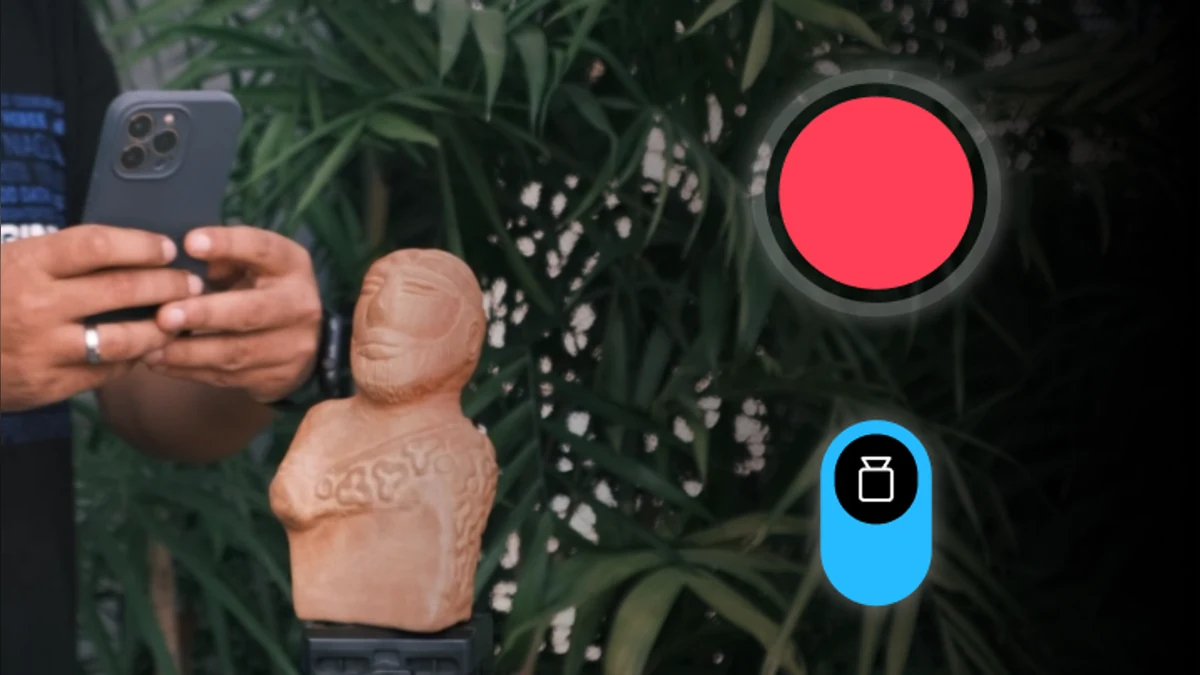
That small sculpture, weird timber offcut or market-stall product can become a 3D model without a dedicated scanner. RealityScan Mobile uses a set of phone photos to reconstruct the object, and the app is free on iOS and Android.
The clever part is the live point-cloud overlay. As you move around the subject, it shows which areas have enough coverage and where you still need more photos. Download RealityScan Mobile.
Walk around it, do not wave at it
Photogrammetry works by finding the same visual features across many overlapping photographs. You need to move around a stationary object with steady, even coverage—not spin the object under changing light like it is auditioning for a game show.
Auto capture can take images as you move. Camera controls, masks and automatic object masking help clean up more difficult scans, and the processed model can be sent to Sketchfab or exported for other 3D software.
What is it useful for?
Makers can capture prototypes, decorative objects, carvings, textures and awkward replacement parts. Designers can build a digital prop library from the real world. A seller could use a scan for an interactive product view, although a clean scan still needs good lighting and careful processing.
This is also a genuinely useful preservation tool. A fragile object can be documented and inspected without handling it every time.
Shiny things will fight back
Transparent, reflective, very dark and featureless surfaces are difficult because the software cannot find stable visual points. Thin edges and hidden undersides also need care. The app makes capture easier; it does not repeal optics.
Start with a matte, textured object in soft, even light. Clear the background, walk one slow circle at mid-height, then another slightly higher. Your first scan does not need to be priceless. A slightly lumpy garden ornament is perfect.