
AI Design & Tools
Someone Rebuilt Adobe Creative Cloud With AI
This is not another “AI makes a logo” story.
This is not another “AI makes a logo” story.
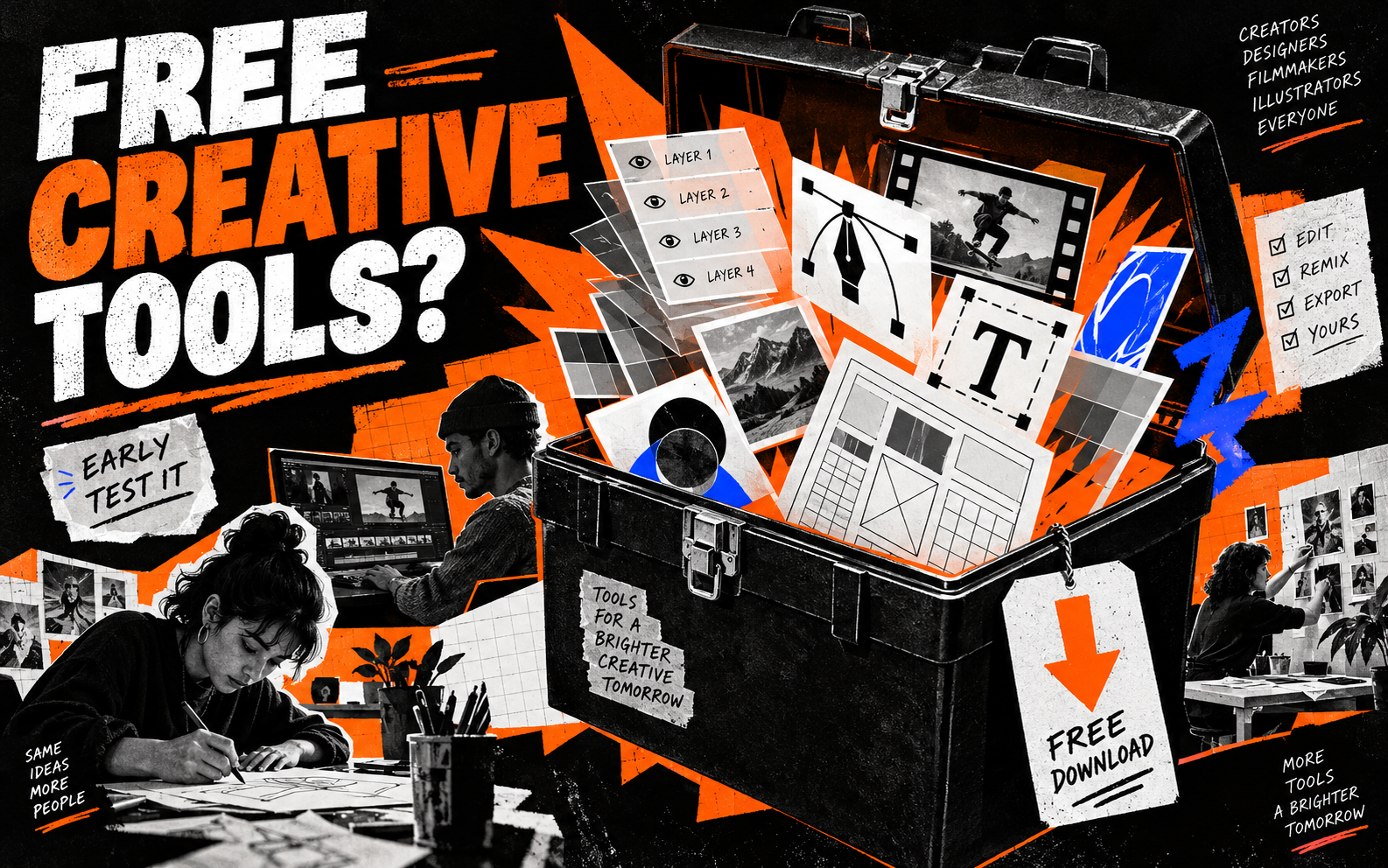
A developer has been rebuilding Adobe-style creative applications using AI-assisted coding and making the project available for people to inspect and try. Creative Bloq's report says the project targets familiar creative jobs such as image editing, vector work and video.
The exciting part is not that it is perfect
It will not replace a mature professional suite overnight. Early software has missing features, rough edges and the occasional moment where you wonder whether the button is meant to be there.
The interesting part is the direction. A person can now use AI to build a useful creative tool, publish the code and let other people improve it. That changes the conversation from “which subscription should I buy?” to “what could a small community build together?”
Treat it like a test bench
Do not put a paid client job or the only copy of your files into an early release. Duplicate a simple image, open it, move a layer, export a PNG and see how the workflow feels.
If it saves you money or handles one annoying job well, keep it in the toolbox. If it does not, move on. Free does not automatically mean useful.
Try this: test one ordinary file and write down the first three things that work and the first three things that do not.
Useful resource
Open the source: Creative Bloq ↗
Start with the primary source, then follow the practical takeaway in this story.
Open resource