Motion & 3D
Blender’s Open Movies let you study the production files behind finished animation
Blender Studio’s film archive exposes assets, artwork and production data, turning finished shorts into practical references for modelling, lighting and animation.
A finished film hides the useful mess
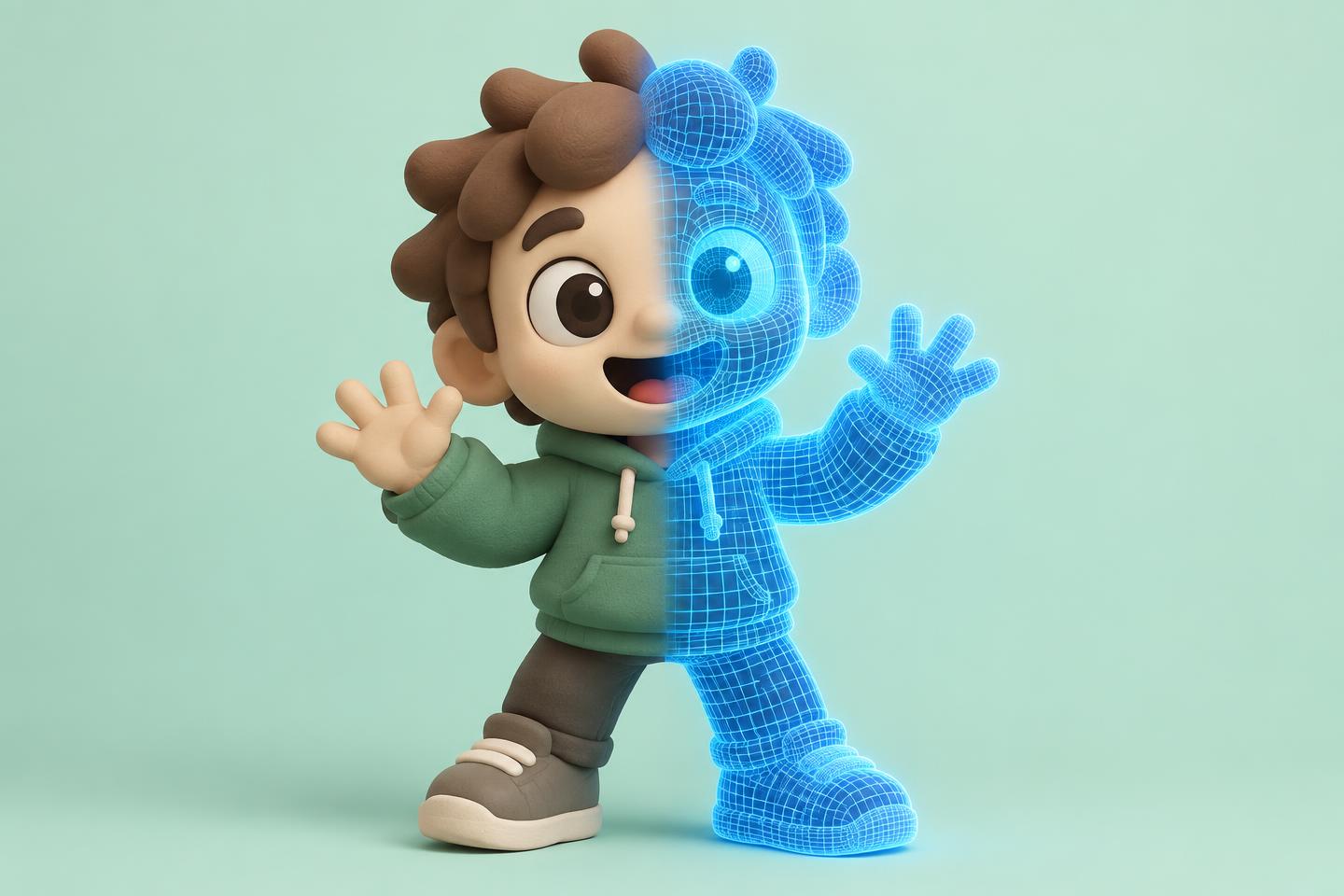
Watching a short animation shows the result. Opening production material shows the decisions: models, rigs, lighting, layouts, artwork, render passes and the parts that changed along the way.
Blender Studio’s Open Movies were built around that idea. Its film archive and Vault preserve production material from projects across roughly two decades.
How to learn from the files
Pick one scene or asset. Do not download an entire production and expect understanding to arrive. Study how the file is organised, which modifiers and constraints are used, and how lighting changes between preview and final output.
Use official demo files when you need smaller technical examples. They are easier to pull apart than a complete film and can answer one specific question quickly.
Check access and versions
Some Blender Studio production content requires membership, and old files may need an older Blender version or careful conversion. Licences can differ between material, so check before reusing assets.
My take: this is still one of the best ways to see how open-source creative software behaves on a real production. Learn from the structure before copying the asset.
Useful resource
Browse Blender Open Movies ↗
Choose a film, inspect what is public, and check access and licence details for its production files.
Open resource