Typography
Google Fonts is still the easiest upgrade from default type
Free fonts are not exciting until your sign, label, invite or product page stops looking like a school worksheet.
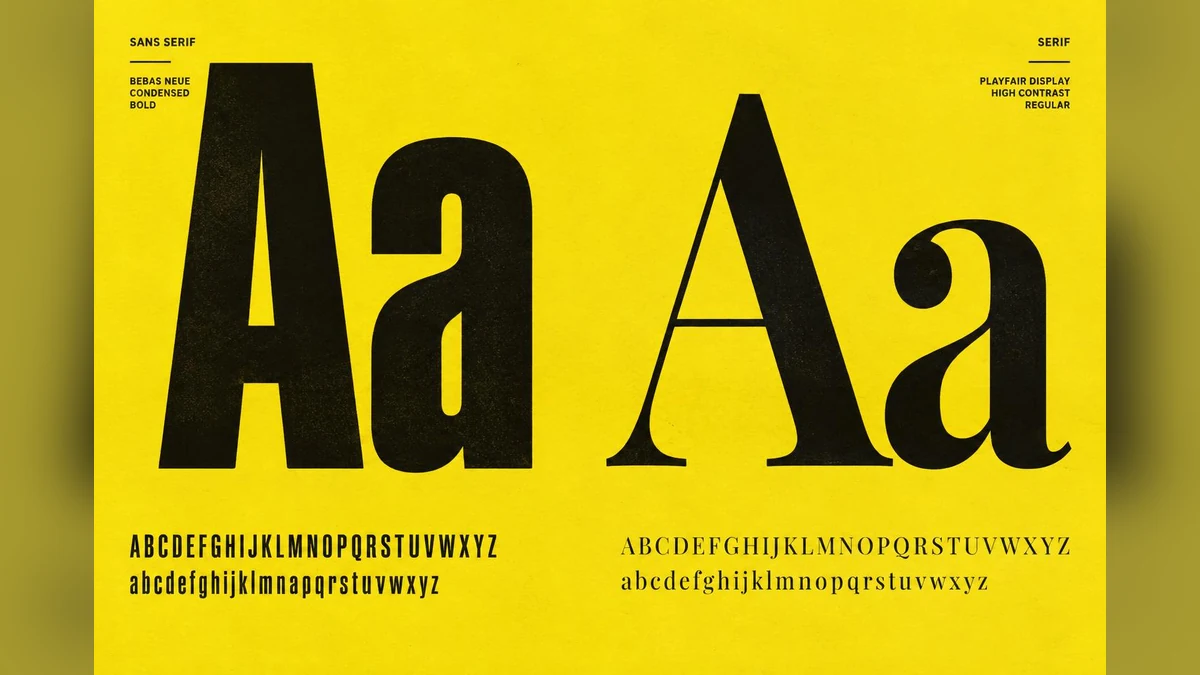
Type changes the whole thing
A product can be decent and still look cheap because the font is rubbish. Google Fonts is useful because it gives you a big legal starting point without paying before you know what you need.
For makers, this matters on signs, wedding pieces, labels, packaging, websites, menus, decals and printable downloads. Typography is not decoration. It is the tone of the thing.
Do this properly
Do not just pick the prettiest font at 72 pixels. Test the actual words. A font that looks great for 'Olivia & James' might be terrible for a long care label or tiny product tag.
Check weights, punctuation, numbers and readability. If you sell files, keep licence notes with your project folder.
Also test the boring characters: numbers, ampersands, apostrophes and capitals. Those are the bits that wreck names, dates, prices and signs.
My take
Google Fonts will not make you a typographer, but it will stop you reaching for the same tired defaults.
For physical products, print a quick sample. Fonts behave differently once they are engraved, cut, printed small or viewed from a metre away.
Start with a clean readable font, then add one display font if the job needs personality. More than that and most designs start yelling over themselves. Simple usually sells better anyway.
Useful resource
Browse Google Fonts ↗
Preview fonts, check the licence and download families for your project.
Open resource