Mapmaking
This free browser tool turns a neighbourhood into a laser-cut SVG map
This is exactly the sort of link worth saving. Pick a small area, export an SVG, and suddenly a street grid becomes a gift, wall piece or test file.
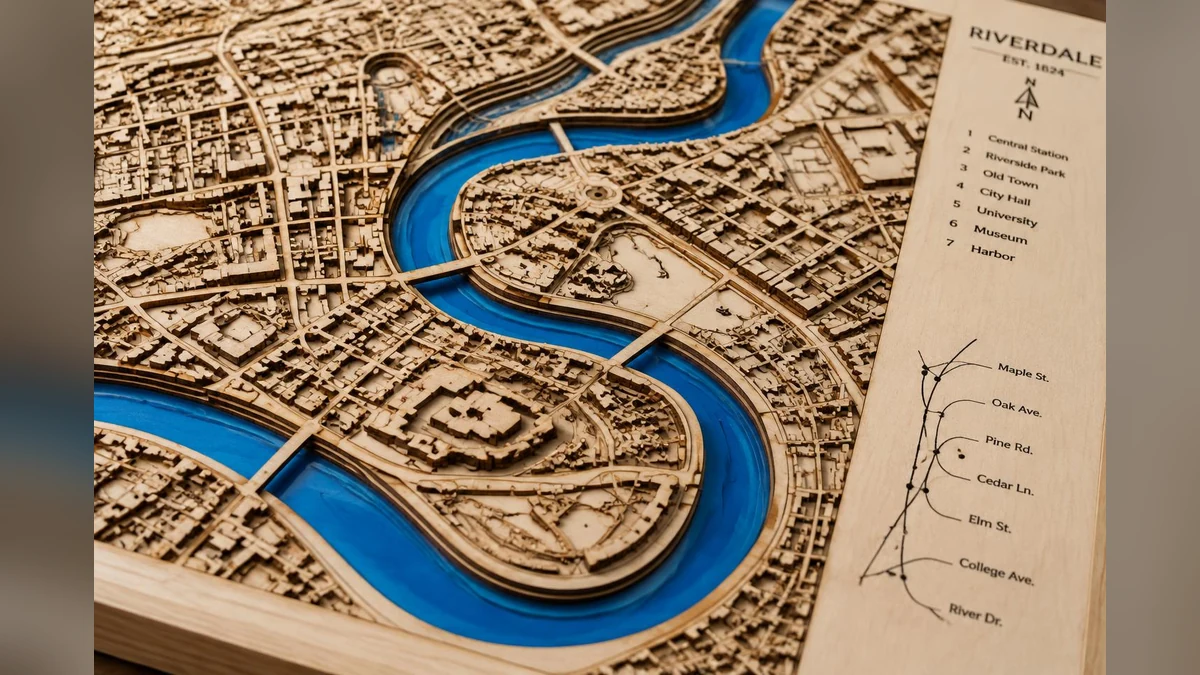
This is a proper useful link
Laser-cut map products are everywhere because they work. People love their suburb, hometown, wedding location or holiday spot. The annoying bit is getting a clean vector map without spending half the night fighting screenshots.
Laser Neighbourhood does the boring part in the browser. You pick a rectangle on the map, wait, then download an SVG based on OpenStreetMap data. That is exactly the kind of tool I want in an article: open it and do something.
Do not grab half the planet
The tool says it works best with small areas, like a neighbourhood. That makes sense. A whole city turns into line spaghetti fast, and your laser will hate you for it.
Use it for a suburb, a few blocks, a coastline edge or a simple local gift. Then clean the SVG in Illustrator, Inkscape or LightBurn before cutting.
The catch
OpenStreetMap data has licence rules. If you use the map data, attribute it properly. Do not just scrape it, sell it and pretend it came from your magic brain.
My take: this is a great starting point for personalised products. The money is not in the raw file. It is in choosing a meaningful place, cleaning the design and turning it into something people actually want to hang up.
Useful resource
Generate a laser-cut map SVG ↗
Use the rectangle selector, choose a small area and export the vector map.
Open resource