SVG tools
Pattern Monster turns repeat patterns into downloadable SVGs
For packaging, backgrounds, stickers and simple product ideas, a quick repeat-pattern generator is more useful than it sounds.
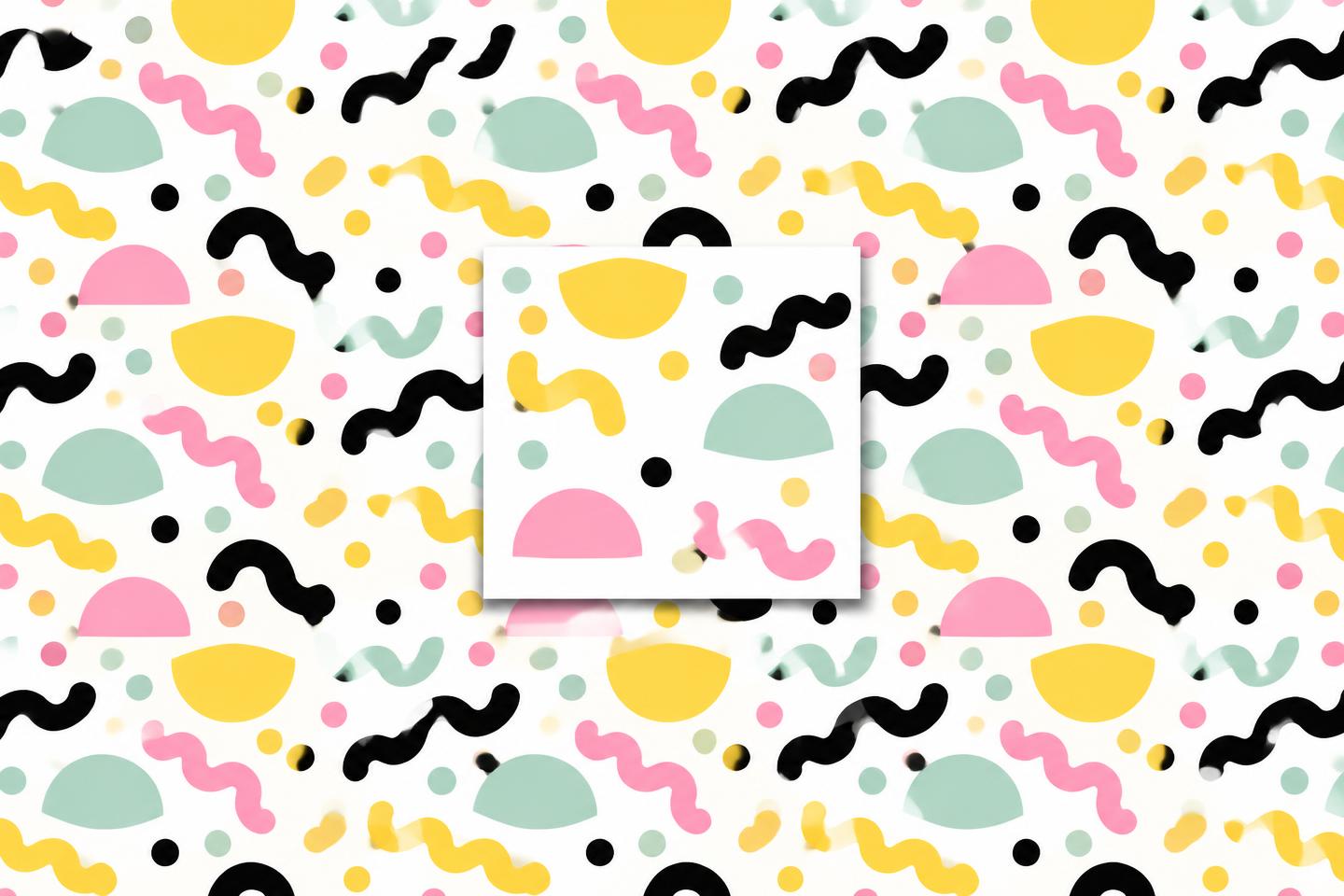
This is small but useful
Pattern Monster is not trying to be a full design suite. Good. It does one job: make repeatable SVG patterns in the browser.
That is useful when you need a background, wrapping paper idea, website texture, packaging sleeve, sticker sheet filler or quick product mockup and you do not want to draw the repeat from scratch.
Why SVG matters
The output being SVG is the good bit. You can scale it, recolour it, edit it, drop it into a design file or use it on a website without treating it like a blurry screenshot.
For laser and cutting-machine people, it can also become stencil or engraving material once cleaned and tested properly.
The practical move is to export the SVG, open it in your design app, simplify what needs simplifying, and test it at the real final size.
Do not overuse it
Generated patterns can look obvious if you slap them everywhere. Use it as a starting point, not the entire design brain.
A good test is to place the pattern on an actual product mockup. If it only looks good as a full-screen background, it may fall apart on a label, tag or small sticker.
My take: open it when a plain product feels dead. Generate a few repeats, pull one into your design app, change the colours, then make it actually yours.
Useful resource
Generate an SVG pattern ↗
Open the tool, pick a pattern, adjust it and download the SVG.
Open resource