AI Design & Tools
Canva AI 2.0 Got So Popular It Had to Slow Down
Canva's new AI can make layered, editable designs from a prompt. That is a much bigger deal than another chatbot making a pretty picture.
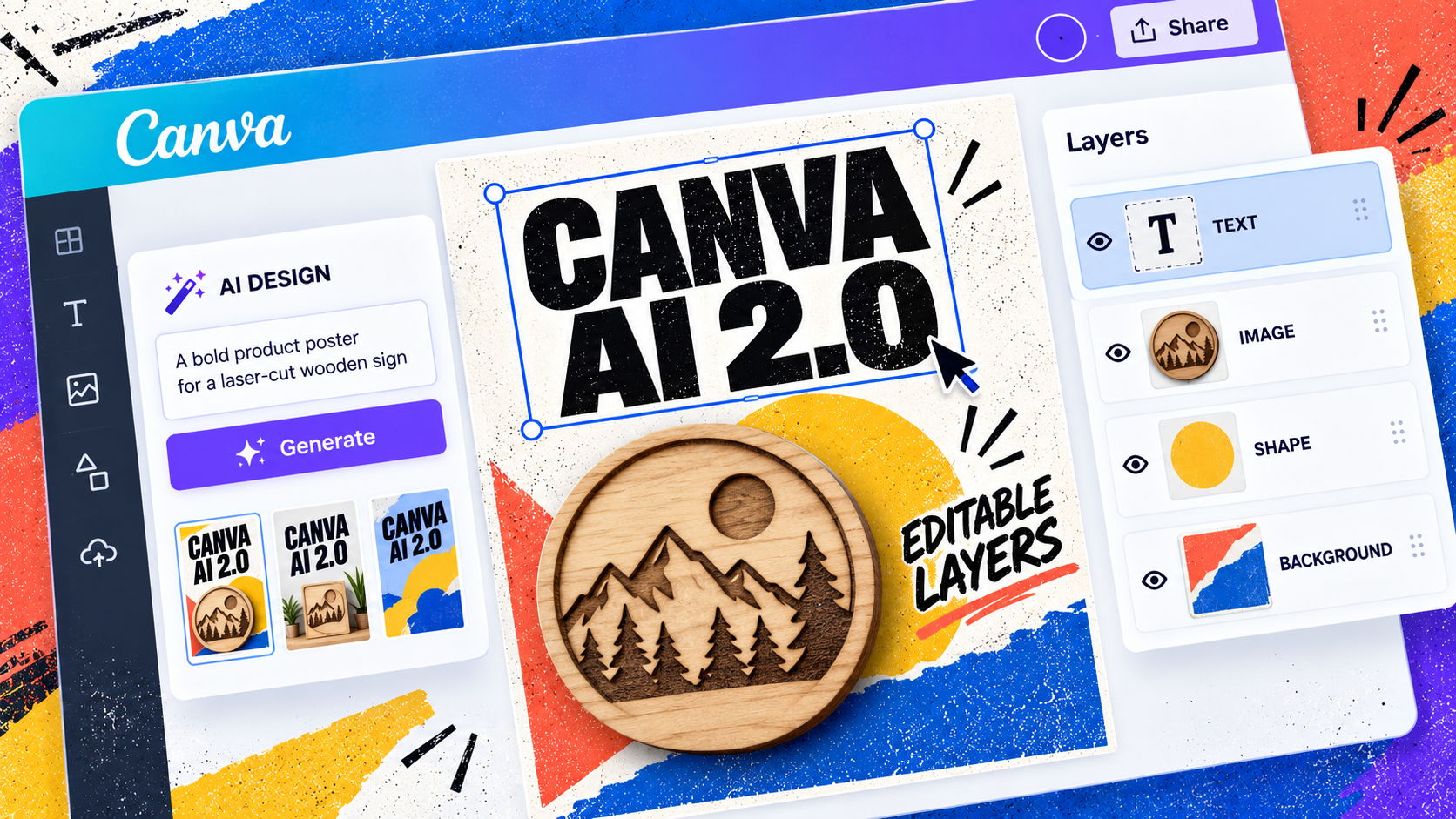
This is the bit to pay attention to: Canva's new AI is not just generating a finished image and leaving you to fight it afterwards.
Canva AI 2.0 is trying to build the thing in layers you can actually edit.
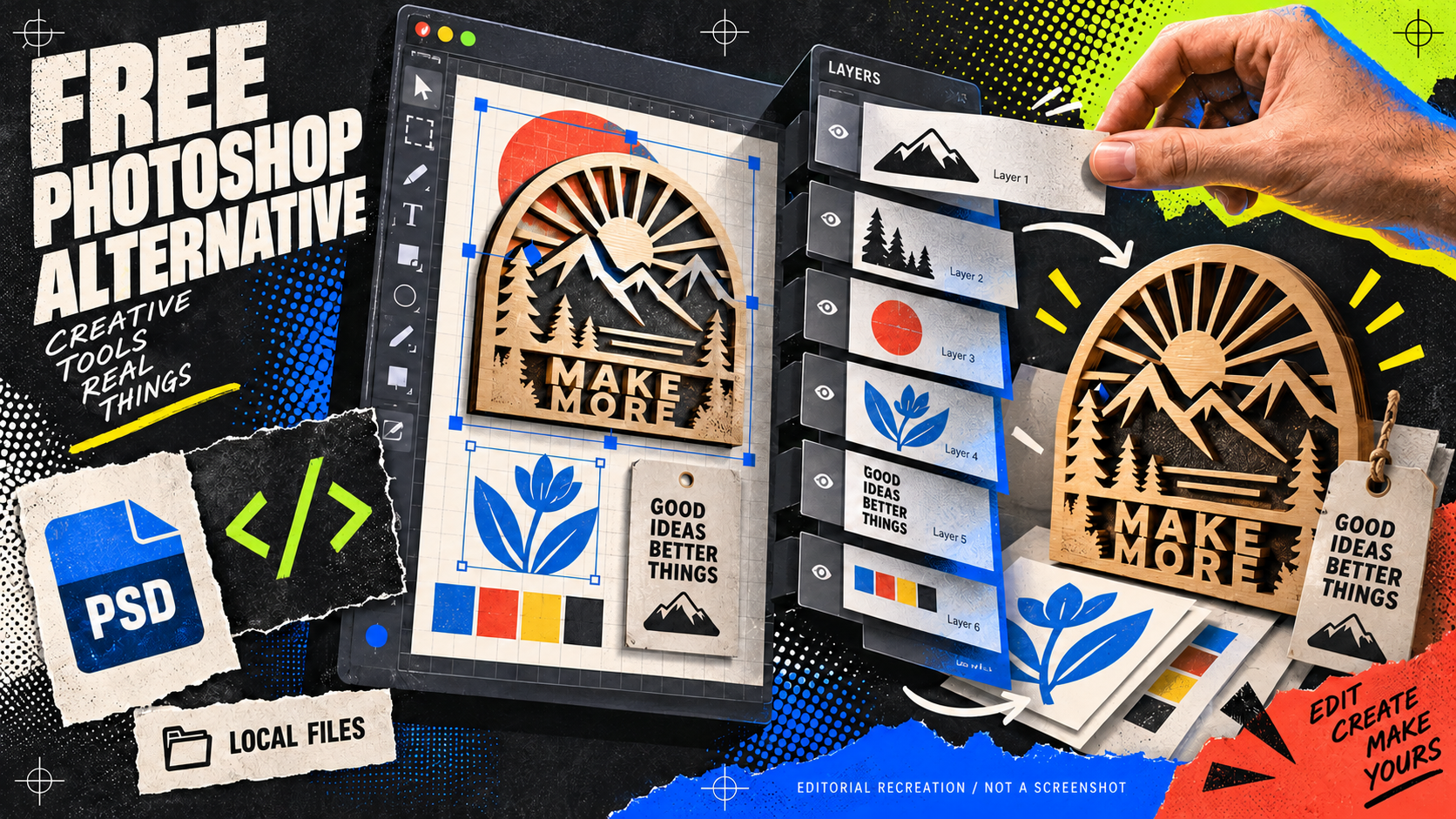
That sounds obvious if you have ever worked in Photoshop, Illustrator or any proper design file. But most AI image tools still give you one flat result. Ask for a different headline and the whole picture gets regenerated. Ask for the person to move and suddenly the background, lighting and everybody's face have joined a new reality.
Canva is trying to fix that problem at the design-file level.
The useful bit is not “AI made it”
Canva launched AI 2.0 as a research preview at Canva Create 2026. Its pitch is simple enough: start with an idea, a rough brief, a sketch or an unfinished thought, and Canva builds a design with the layout, hierarchy and brand direction already in place.
The important part is what happens next. Canva says the output is made from separate editable objects — text, images, shapes and backgrounds — instead of being one locked image. So you can change the headline without wrecking the product photo. You can swap a colour without asking the AI to redraw the entire poster. You can keep the good bit and fix the stupid bit yourself.
That is much closer to how designers actually work.
For a maker, I could see this being useful for a product launch flyer, a social post for a new laser-cut piece, a quick packaging concept or a set of matching images for an Etsy listing. Not finished artwork. A fast first version that still gives you something to grab onto.
Why everyone is talking about it
Canva is not a tiny experimental app trying to get noticed. It says more than a quarter of a billion people use the platform every month, and the company is positioning AI 2.0 as its biggest product shift yet.
The launch got attention for another reason too: Creative Bloq reported that Canva had to slow the rollout after demand was much higher than expected. That is the sort of problem most software companies would love to have, but it also tells you why this is worth watching. This is AI landing inside a tool ordinary teams, small businesses and self-taught designers already use.
The interesting fight is no longer just “can AI make an image?” It is “can AI make something I can actually use, edit and send to someone without apologising for it?”
Try it like a maker
If you get access, do not start by asking it to make your masterpiece. Give it a boring, real brief instead:
"Create a product launch poster for a laser-cut wooden sign. Leave room for the product photo, use a bold headline, include three short selling points and keep the colours easy to reproduce in print."
Then check what it gives you. Can you move the headline? Can you replace the image? Can you change the colours without the whole thing falling apart? Are the layers named well enough that another human could open the file later and understand it?
That is the test. Not whether the first generation looks impressive on Instagram.
Canva AI 2.0 is still rolling out as a research preview, so I would keep your expectations sensible and check the current access and commercial-use terms before relying on it for paid work. But this is the first AI design story in a while that feels properly relevant to working makers.
The future is not necessarily a robot making the final design for you. It might be a tool that gets the rough version onto the table quickly, then lets you take control again.
Useful resource
See what Canva AI 2.0 is trying to change ↗
Start with the official announcement, then test the idea against a small, real design brief.
Open resource