Graphic Design
A Free Photoshop Alternative for Makers Has Just Arrived
PhotoCraft is a free Photoshop alternative, with more free creative tools on the way.
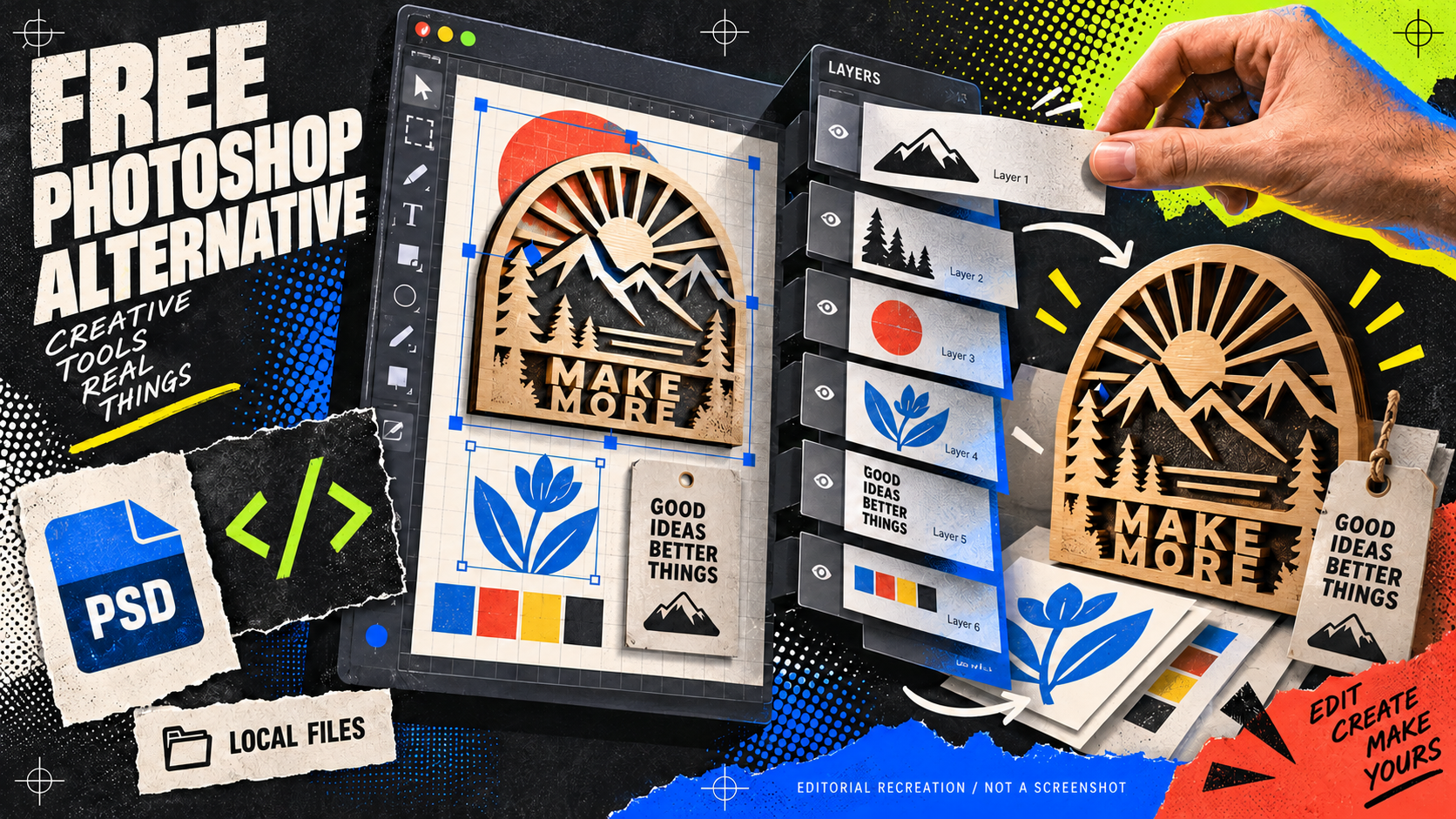
This is exactly the kind of thing I want more makers to see.
ArtCraft is building a free family of creative apps that feels like somebody has looked at the Adobe subscription bill and said, “Right. I’ll have a go myself.”
The headline app is PhotoCraft: an image editor built in Rust with layers, masks, adjustment layers, type and real PSD support. The same project also has tools aimed at vector design, video, photo management, PDFs, motion graphics and page layout. You can see the whole ArtCraft line-up here.
You will see the phrase “open source” attached to it. In plain English, that means the code is public, so other people can inspect it, improve it and keep the project honest. The bit most makers care about is simpler: it is free to try, it runs locally, and you are not signing up for another Adobe-style subscription.
Here’s what PhotoCraft actually looks like
This is a real screenshot from the official PhotoCraft page, not a glossy mock-up made to look impressive. You can see the familiar bits straight away: an image on the canvas, a live adjustment panel and proper layers sitting alongside it.
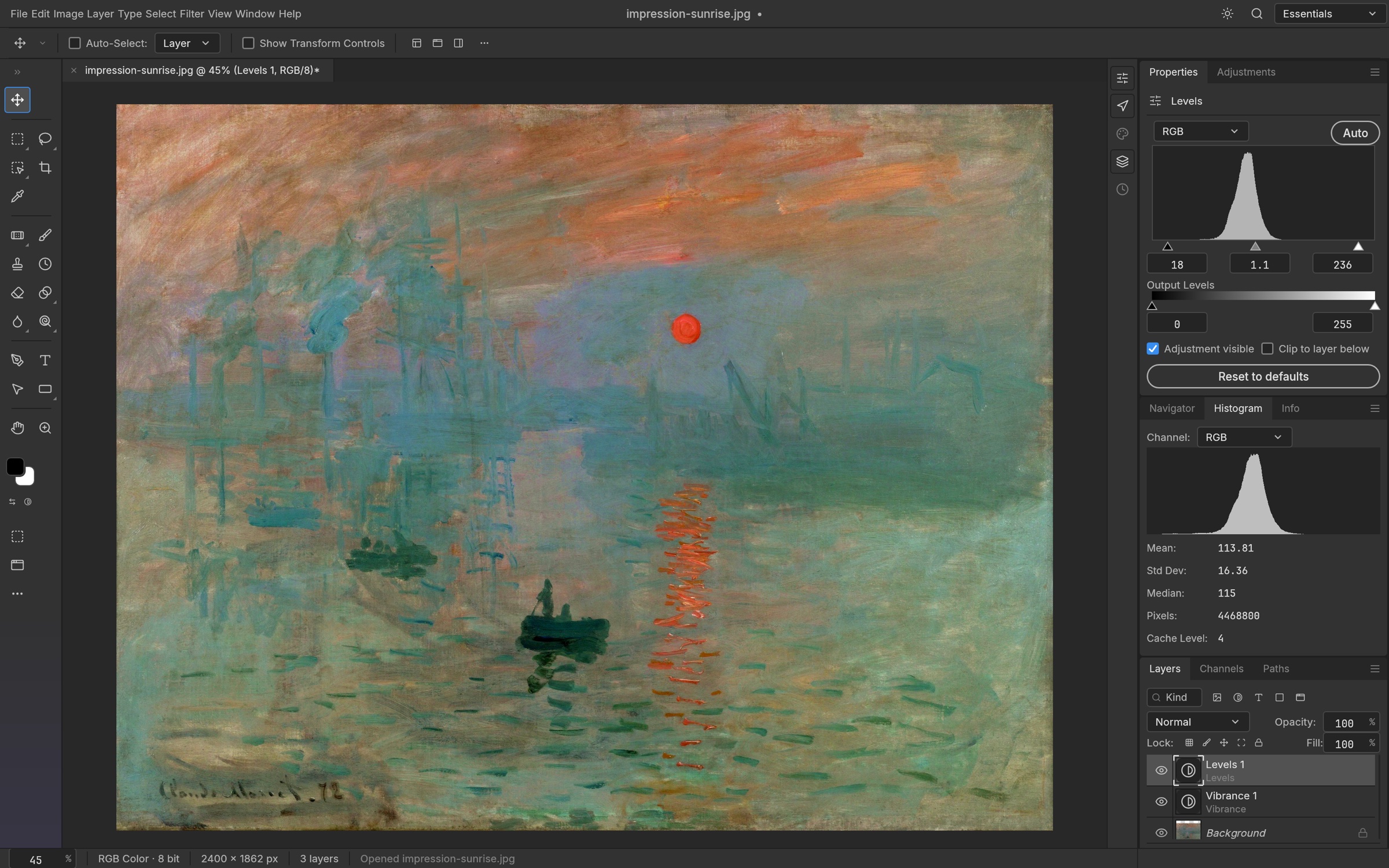
PhotoCraft applying a Curves adjustment to The Great Wave with type layers visible in the Layers panel. Screenshot from the official PhotoCraft page.
This is the bit I’m excited about
I love software that gives you a result without immediately asking for a monthly subscription, a cloud upload and three separate permissions screens.
PhotoCraft is designed to run on your own computer, with versions for macOS, Windows, Linux and the web. The source code, roadmap and releases are public on GitHub, which means people can inspect it, report issues and help improve it.
For makers, that opens up some very useful possibilities. You could clean up a scan, prepare artwork for a product mock-up, build a layered graphic, open a PSD somebody has sent you, or make a quick social image without paying for a full creative suite.
That is a much more interesting promise than “here is another AI tool that makes a shiny picture”.
PhotoCraft is only one of 13 apps
This is the part I nearly missed at first. PhotoCraft is not the whole product. The official Craft Apps page currently lists thirteen separate apps, all built around the same free, open-source idea:
- PhotoCraft
- VectorCraft
- FilmCraft
- LightCraft
- PdfCraft
- EffectCraft
- DesignCraft
- FigCraft
- WordCraft
- SoundCraft
- DeckCraft
- CADCraft
- GridCraft
That is a much bigger swing than “someone made a free Photoshop clone”. It is an attempt to build a whole creative toolbox without making you rent every drawer in it.
It’s not just for Photoshop people
The reason I think this is worth watching is that it is not trying to make you learn a completely alien workflow.
If you already understand layers and masks, you should feel reasonably at home. If you are coming from Cricut Design Space, Inkscape, Canva or a laser-cutting workflow, the bigger attraction is having another tool that can handle proper layered artwork and common image files.
The wider ArtCraft family is still being built, but the direction is clear: familiar creative tools, local files and no need to buy the whole buffet when you only want one sandwich.
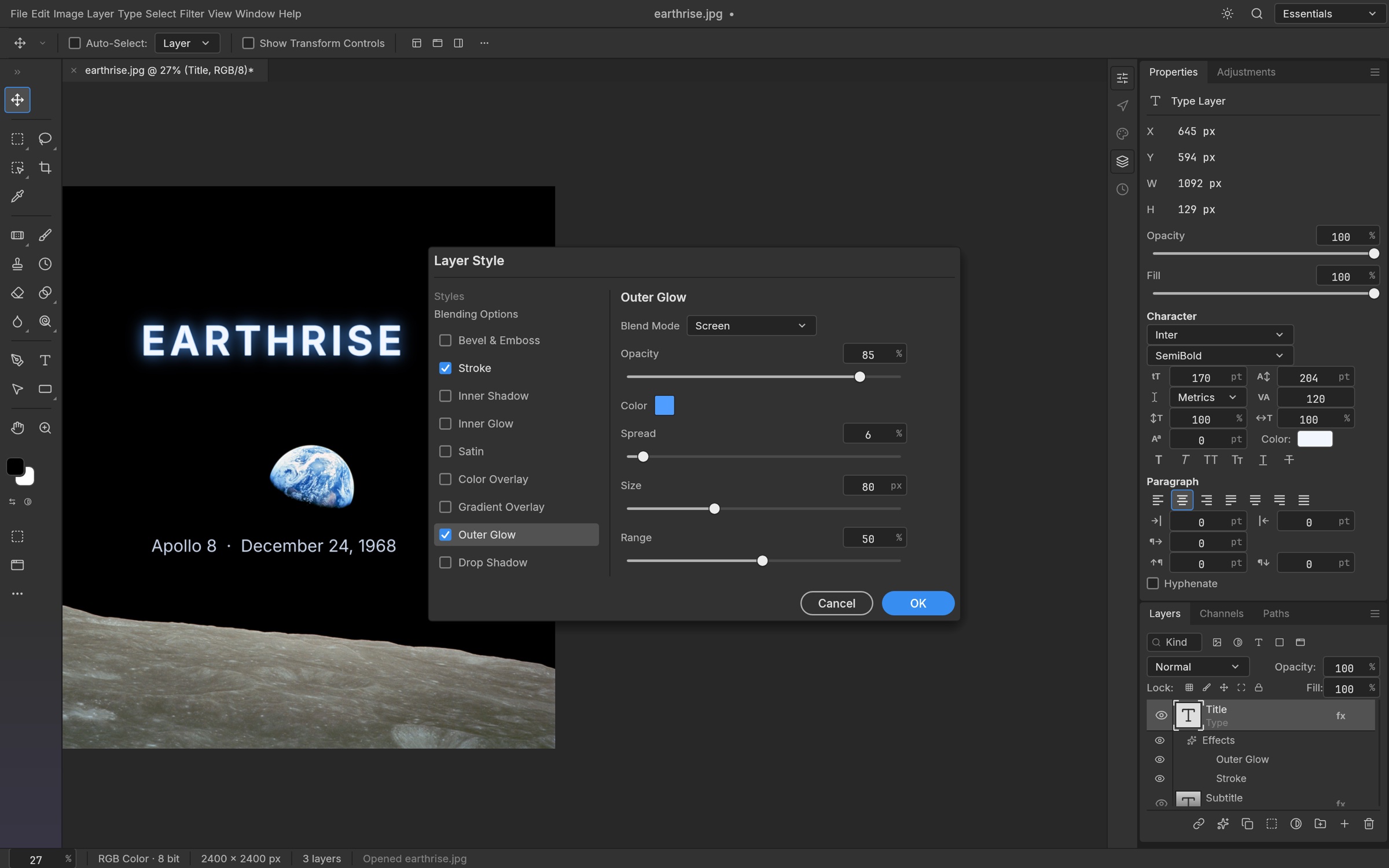
The Layer Style dialog is another useful sign: this is trying to be a proper working editor, not just a one-button image generator. Screenshot from the official PhotoCraft page.
Give it a proper try
I haven’t put it in charge of a paid client job, and I wouldn’t do that yet. It is still early alpha software, so some features are missing and some things will be rough around the edges.
But that is not a reason to ignore it. It is a reason to test it sensibly.
Grab a copy from the official PhotoCraft releases, duplicate one of your ordinary design files, and try opening it. Move a layer. Make a small adjustment. Export a PNG. See whether the workflow makes sense for the work you actually do.
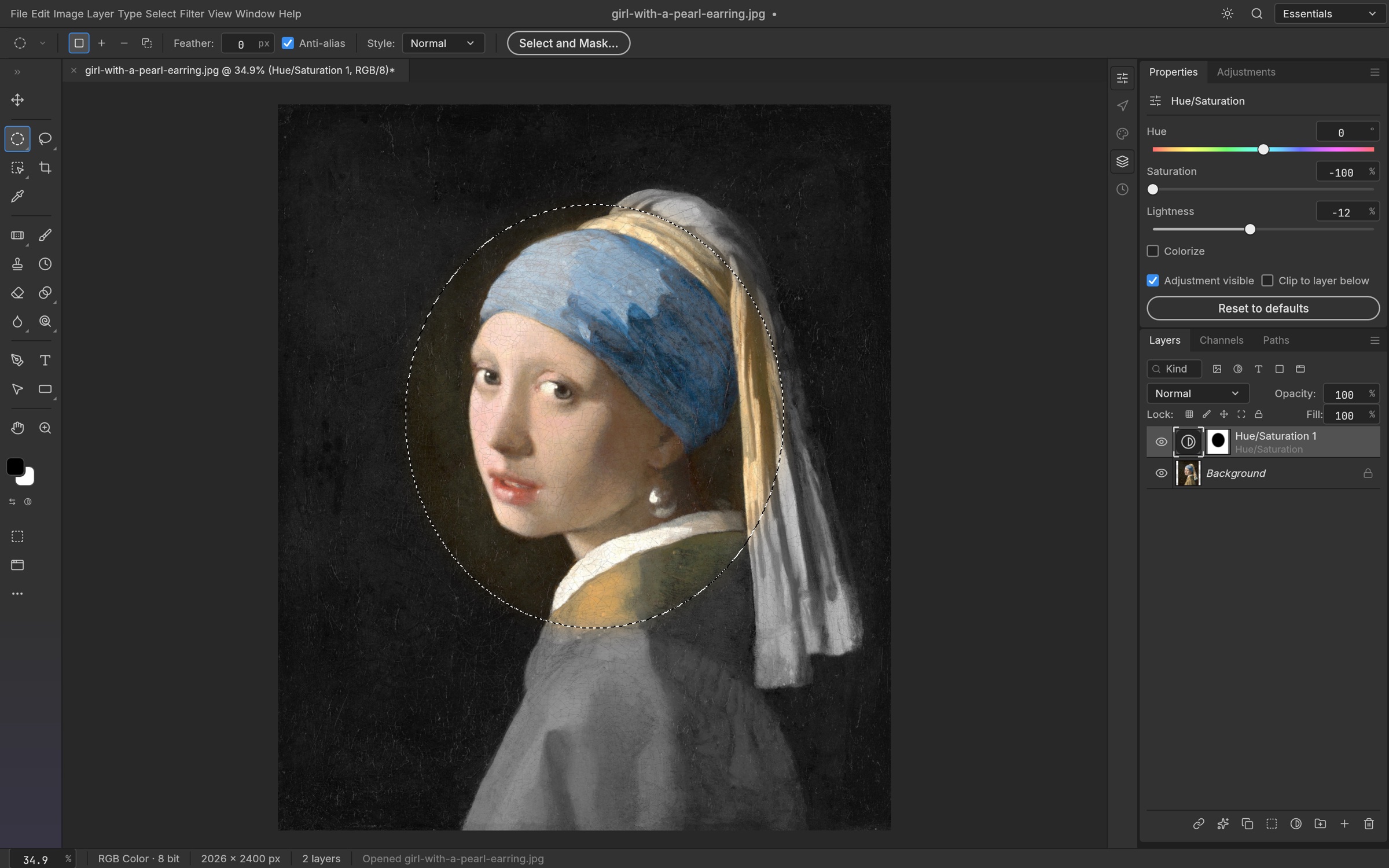
Selections and masked adjustments in PhotoCraft. Test this kind of ordinary job first, on a duplicate file, before trusting it with anything important. Screenshot from the official PhotoCraft page.
Keep your original file safe, obviously. We are makers, not cartoon characters who throw the only copy into a new program and hope for the best.
ArtCraft is not replacing Adobe overnight. But it is a brilliant sign that a useful free Photoshop alternative does not have to stay locked inside one company’s subscription model forever.
I’m keeping an eye on this one. If you are tired of renting your tools, you should probably do the same.
Useful resource
Try PhotoCraft from the official releases page ↗
Download the current build, test it on a duplicate file and decide whether the workflow fits your work.
Open resource