Outcome
What you will make
Use a free HDRI, PBR surface and 3D model in a client or commercial mock-up without paying for the source assets or negotiating attribution.
Before you start
- A 3D application that can load the chosen asset formats
- Enough local storage for the selected resolutions
- Brand artwork you have permission to use
WHAT YOU LEAVE WITH
A rights-cleared starter scene for a client mock-up or product presentation.
A printable asset receipt listing the HDRI, surface, model, source URL and added brand artwork.
WHY THIS EARNS YOUR TIME
The value is not another huge 3D catalogue. It is a clean three-asset recipe and a rights record you can keep with the job, using one of the broadest free licences in the design-resource market.
THE COMPILED FIELD NOTES
01
Lighting, material and model solve different jobs
Use the HDRI for environment light, the PBR files for surface behaviour and the model for geometry. Replacing one with another produces a weak scene.
02
Start with a grey proof
A neutral render reveals scale, camera and shadow problems before label artwork distracts from them.
03
CC0 does not clear your brand content
Poly Haven's assets can be broad-use, while the logo or product photography you add can still carry separate restrictions.
DO THIS NEXT
-
01
Choose one HDRI for light, one PBR surface and one model from Poly Haven.
-
02
Save each exact asset URL and resolution beside the project before opening the scene.
-
03
Relink the three assets, set real-world scale and render a grey proof before adding label artwork.
-
04
Add only artwork and trademarks you have permission to use.
-
05
Render the final mock-up and archive the asset receipt with the source scene.
WHAT THIS DOES NOT CLAIM
High-resolution assets need storage and capable 3D software or hardware.
The workflow must be adapted to the exact model and renderer you use.
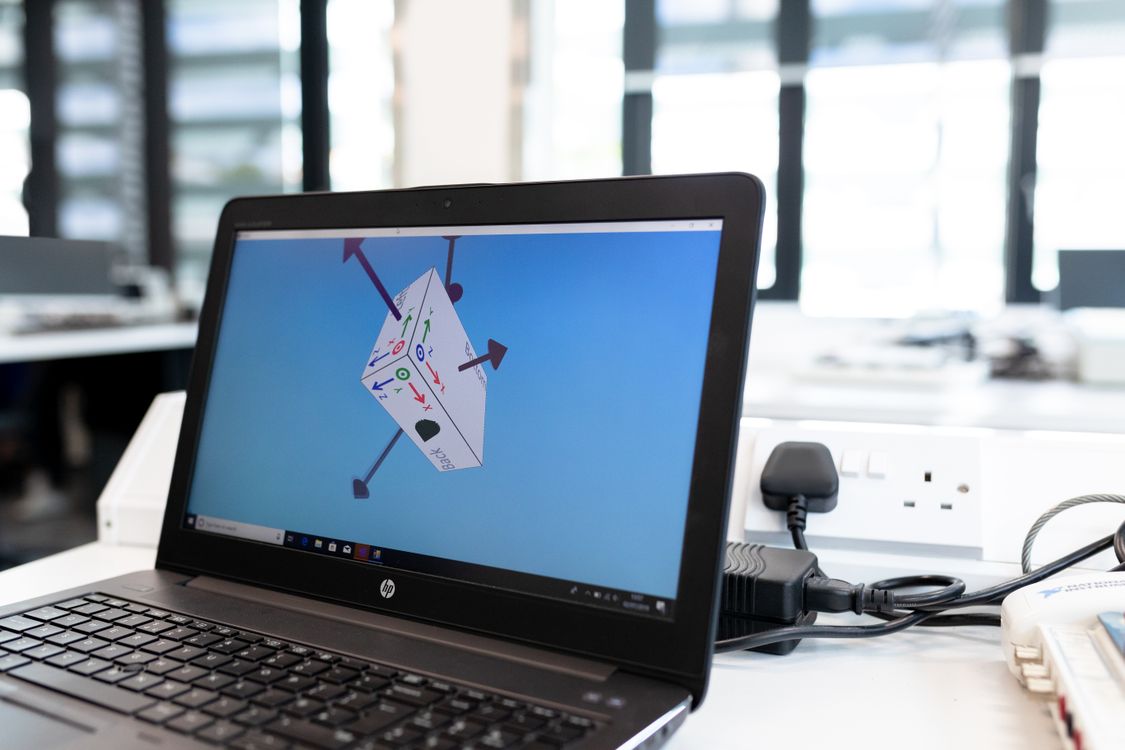
The photograph shows real 3D software in use; it is not identified as a specific free application or product scene.
SOURCES READ BY THE DESK
Sources support the factual claims. The wording and synthesis on this page are original Makers Army editorial work.
Practical finish checks
- The scene uses separate lighting, material and model assets
- A neutral proof has been checked before final artwork
- Exact source URLs are saved with the project