Outcome
What you will make
Open a layered PSD, change the text or imagery and export the finished design in a browser. No install and no paid Photoshop plan.
Before you start
- A modern desktop browser
- The original layered PSD
- Permission to use the fonts and assets inside the file
WHAT YOU LEAVE WITH
A layered PSD you can edit and export today without buying Photoshop.
A printable five-step PSD rescue checklist with a safe layered-master workflow.
WHY THIS EARNS YOUR TIME
This removes a common paid-software roadblock. It is a short rescue route for the moment a client sends a PSD and you only need to replace content, preserve layers and make a clean delivery export.
THE COMPILED FIELD NOTES
01
Your file stays local
Photopea states that opened files are processed on your device and are not uploaded. That is useful for speed and privacy, but it does not replace your own client-data policy.
02
Keep one layered master
Flattening may make delivery easier, but it removes the structure you need for revisions. Save the PSD before exporting the final flattened file.
03
Fonts and stock assets still have rights
The editor being free does not make every font, photograph or graphic inside an incoming PSD free to use.
DO THIS NEXT
-
01
Open Photopea in a modern desktop browser and drag the PSD onto the page.
-
02
Check the Layers panel before editing so you know which text, image and Smart Object layers are still live.
-
03
Double-click a Smart Object thumbnail, replace its contents, save that inner document, then return to the main file.
-
04
Use File > Save as PSD to keep a layered working master.
-
05
Use File > Export As for the client-facing PNG, JPG, PDF or SVG copy and inspect it at final size.
WHAT THIS DOES NOT CLAIM
The free experience contains advertising and performance depends on the browser and the device.
A complex PSD can use missing fonts or features that need visual checking after export.
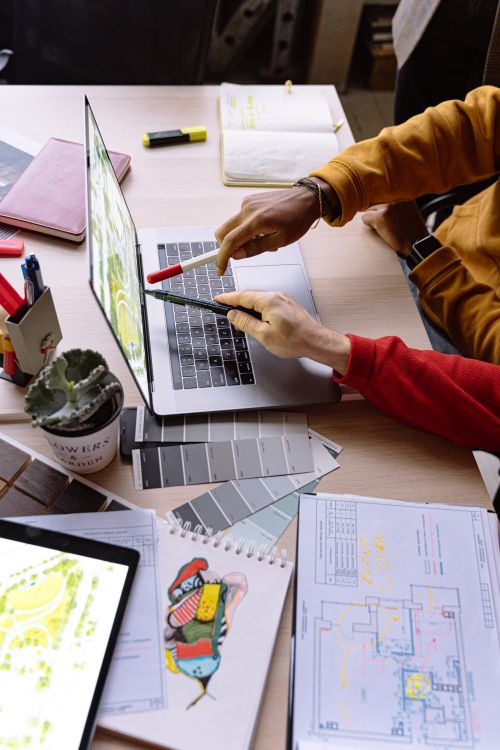
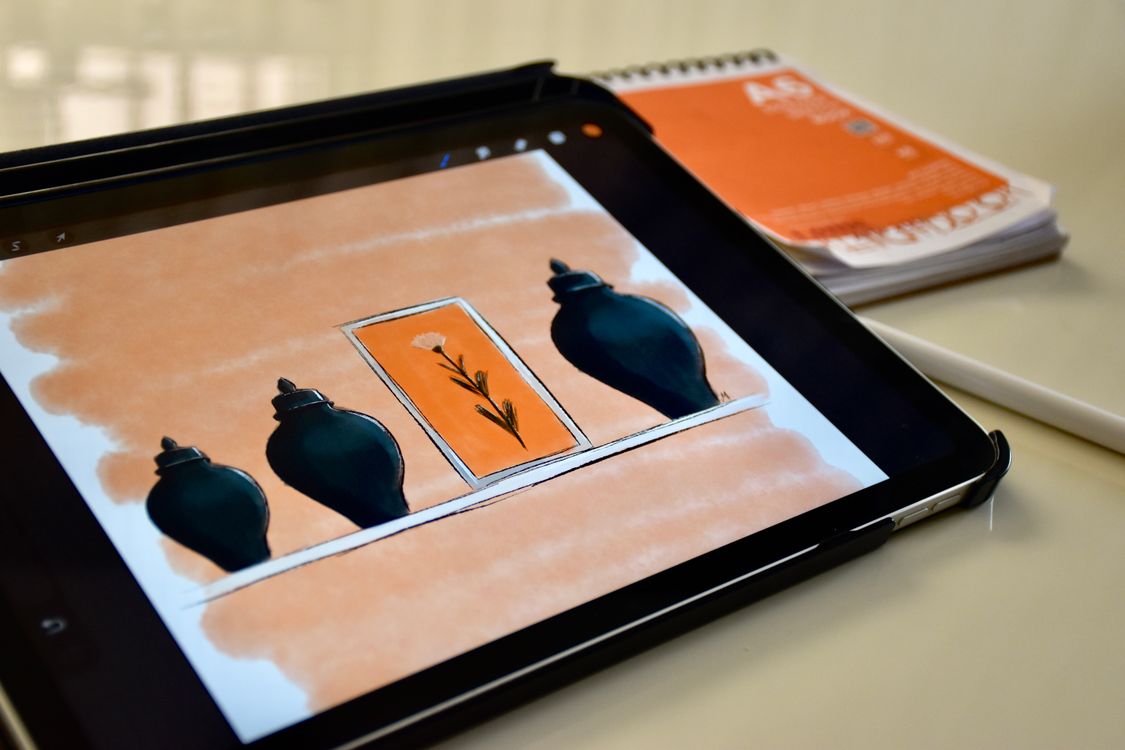
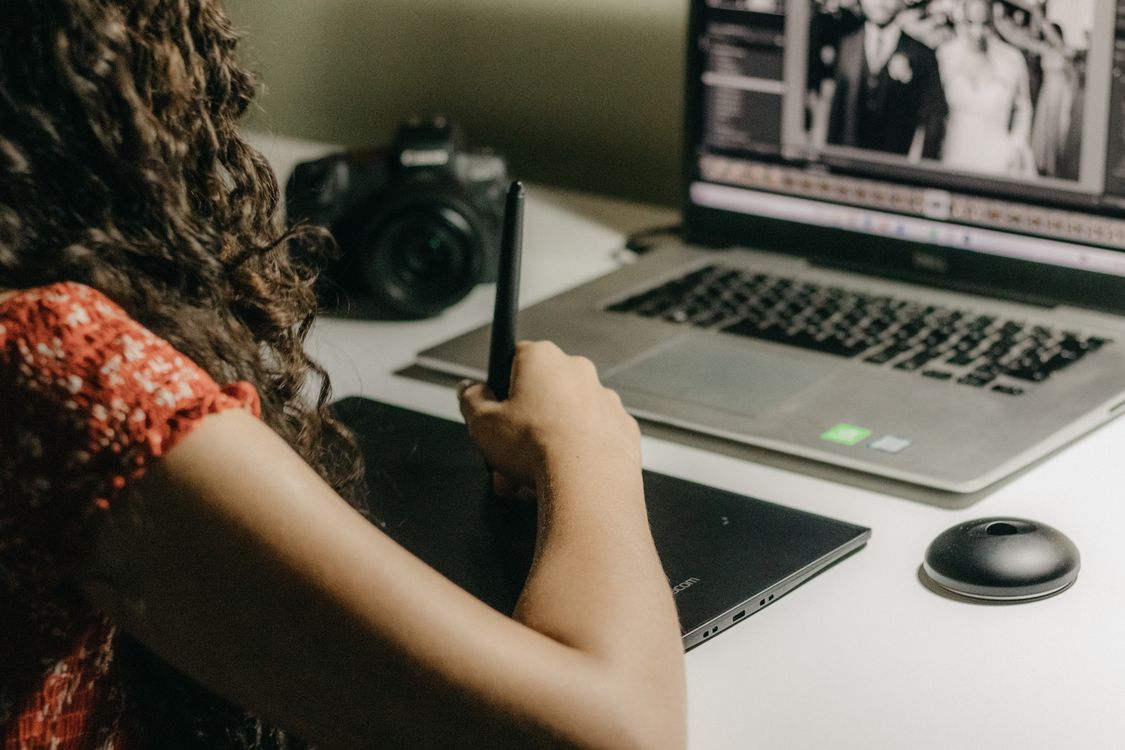
The photograph is licensed editorial context; it does not show or endorse Photopea.
SOURCES READ BY THE DESK
- Photopea editor and capabilities ↗
- Opening and saving files ↗
- Local file-processing privacy ↗
- Free and Premium accounts ↗
Sources support the factual claims. The wording and synthesis on this page are original Makers Army editorial work.
Practical finish checks
- The important layers and Smart Objects still work
- A layered PSD master is preserved
- The delivery export has been inspected at final size