Outcome
What you will make
Build a responsive page, turn repeated elements into components and invite a reviewer without paying for editor seats.
Before you start
- A modern browser and a free Penpot account
- Real page copy for one short user path
- One teammate or reviewer for feedback
WHAT YOU LEAVE WITH
A clickable website prototype and a review link your teammate can open today.
A printable one-page prototype handoff checklist covering components, interactions and reviewer notes.
WHY THIS EARNS YOUR TIME
This turns a free collaborative design tool into one finished outcome instead of another software profile. The workflow gets a small team from blank file to a reviewable page without making a beta feature the story.
THE COMPILED FIELD NOTES
01
Prototype one decision, not the whole product
A short path with real copy exposes the interaction problem faster than twenty empty screens.
02
Name components for the next person
Use plain names such as Primary button and Article card rather than frame numbers that only make sense to the creator.
03
Separate review from handoff
First ask whether the flow works. Only after that should the team spend time documenting exact spacing, tokens and implementation notes.
DO THIS NEXT
-
01
Create one desktop board and one narrow mobile board using the real content hierarchy for the page.
-
02
Build the header, primary button and card once, then turn each repeated element into a component.
-
03
Connect the primary button and navigation targets in Prototype mode.
-
04
Open the presentation view and test every target at both sizes.
-
05
Invite one reviewer, request comments on hierarchy and task completion, then record the decision beside the component it changes.
WHAT THIS DOES NOT CLAIM
The hosted free plan has current team, storage and version-history limits that should be rechecked before a large migration.
Self-hosting removes a software fee but still needs infrastructure, updates and security maintenance.
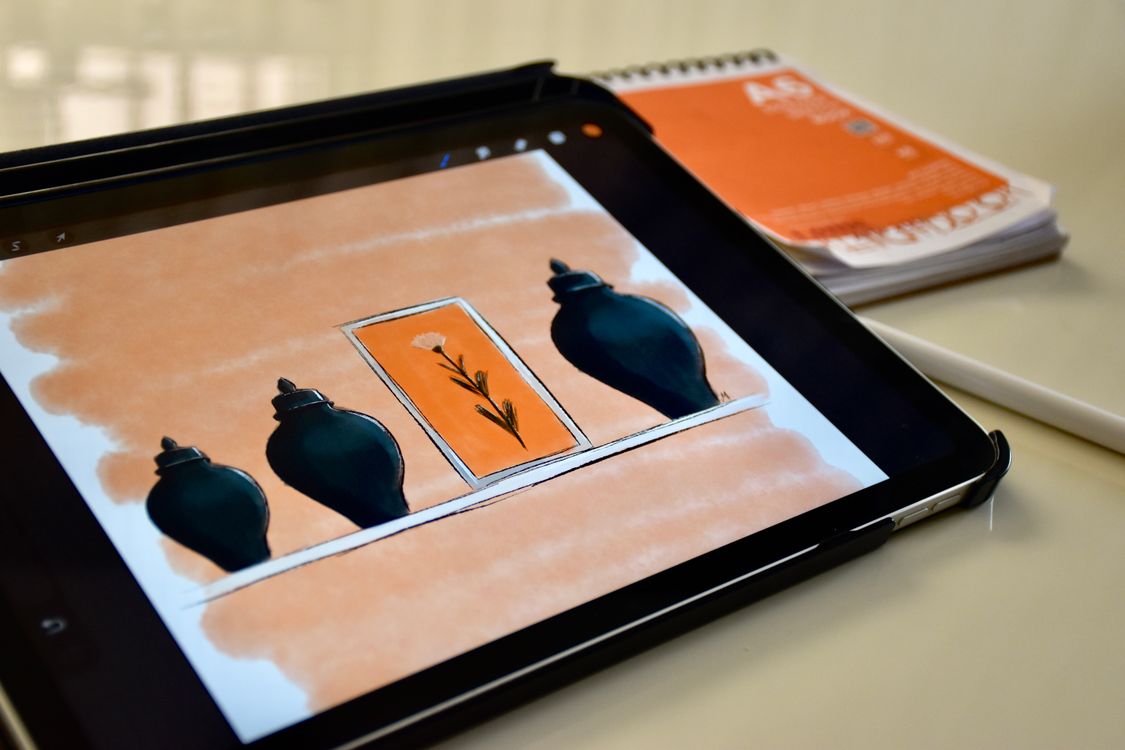
The photograph shows collaboration, not a verified Penpot screen.
SOURCES READ BY THE DESK
- Penpot design platform ↗
- Current hosted plans and limits ↗
- Design-tool capabilities ↗
- Prototyping capabilities ↗
Sources support the factual claims. The wording and synthesis on this page are original Makers Army editorial work.
Practical finish checks
- Desktop and mobile layouts use the same content hierarchy
- Repeated interface elements are named components
- Every prototype target works in presentation view