Outcome
What you will make
Compare image formats and visual quality in your browser, then download a smaller ecommerce image while the original stays on your device.
Before you start
- An untouched copy of the original product photo
- The required delivery dimensions
- A difficult detail to inspect at 100 percent
WHAT YOU LEAVE WITH
A smaller product image with the original dimensions, format and byte size recorded.
A printable compression test sheet for comparing size, crop detail and visible artefacts.
WHY THIS EARNS YOUR TIME
This produces a measurable before-and-after result instead of a vague promise to optimize your website. You decide from the actual product detail, not from one universal quality number.
THE COMPILED FIELD NOTES
01
The smallest file is not always the winner
A handbag texture, engraved line or label can disappear before the overall image looks obviously damaged.
02
Compare the same crop
Use the split view on the most difficult detail rather than judging the full image shrunk to fit the window.
03
Keep dimensions in the record
Compression and resizing solve different problems. Record both so a later editor knows what changed.
DO THIS NEXT
-
01
Duplicate the original photograph and record its dimensions, format and byte size.
-
02
Open the copy in Squoosh and compare the original with one modern web format using the split preview.
-
03
Inspect texture, small text, transparent edges and colour at 100 percent.
-
04
Lower quality only until the first important detail starts to break, then step back once.
-
05
Download the result, record the final byte size and keep the original outside the web-delivery folder.
WHAT THIS DOES NOT CLAIM
The right format and quality setting depends on the image and browser support.
Local processing does not remove Squoosh's stated basic analytics collection.
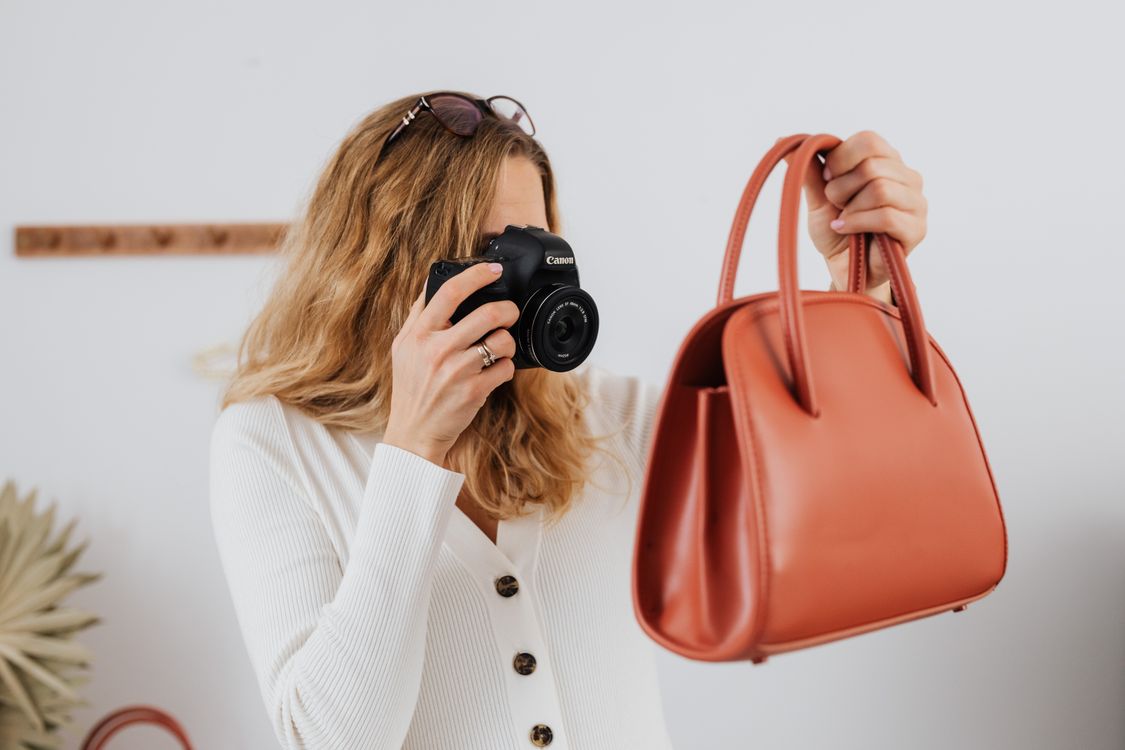
The photograph shows product-image creation, not compression or a Squoosh screen.
SOURCES READ BY THE DESK
Sources support the factual claims. The wording and synthesis on this page are original Makers Army editorial work.
Practical finish checks
- Original and final dimensions and byte sizes are recorded
- Important texture, text and edges remain clear
- The untouched original is stored outside the delivery folder