Outcome
What you will make
Choose, recolour and download an SVG illustration for a landing page without paying or adding an attribution line—and know the resale boundary.
Before you start
- A clear communication job for the illustration
- A vector-capable editor or browser workflow
- Permission for any added brand marks or third-party material
WHAT YOU LEAVE WITH
An editable SVG placed into a client landing page with its use boundary understood.
A printable permitted-versus-prohibited use card to keep with the client project.
WHY THIS EARNS YOUR TIME
The asset is only half the value. This guide gives you the current commercial-use answer, a fast recolour-and-place workflow and the line between using an illustration in a project and reselling the illustration itself.
THE COMPILED FIELD NOTES
01
Choose by communication job
A relevant scene supports the headline. A trendy illustration that says nothing about the offer adds weight without meaning.
02
Keep the SVG editable
A vector export lets you match the brand colour and crop without rebuilding the artwork as a blurry raster.
03
Do not make the free asset the product
Using an illustration inside client work is different from repackaging or reselling the illustration library itself.
DO THIS NEXT
-
01
Write the job the image must do before browsing: explain, reassure, direct attention or fill space.
-
02
Choose one named unDraw illustration that fits the page message rather than the colour palette alone.
-
03
Set the primary colour on unDraw, download the SVG and retain the source URL with the project.
-
04
Place it inside the landing-page composition and adjust only what the licence permits.
-
05
Publish it as part of the page, not as a standalone asset pack or competing illustration service.
WHAT THIS DOES NOT CLAIM
Repackaging, reselling, service replication and other restricted uses remain outside the licence.
Any brand marks or third-party material you add retain separate rights.
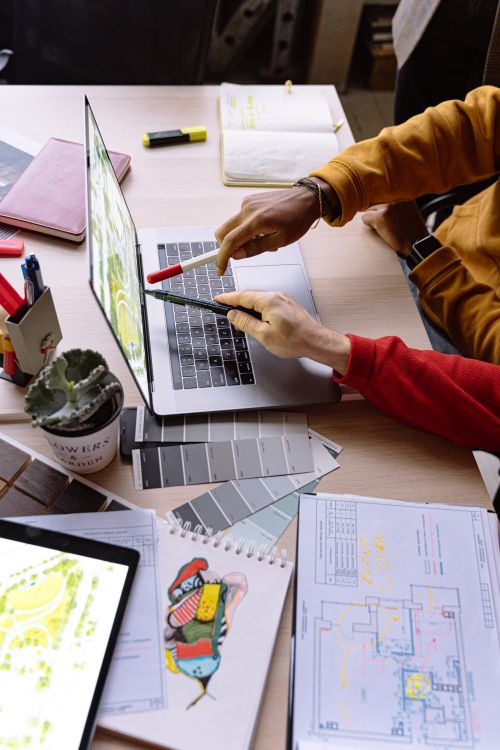
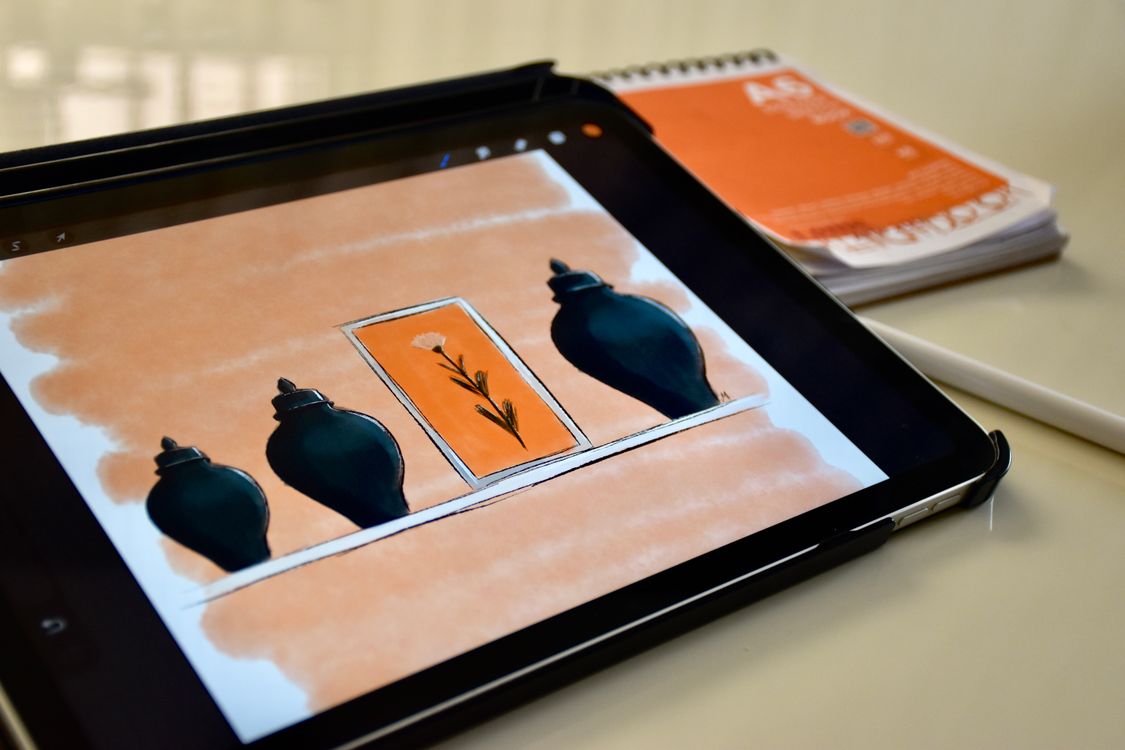
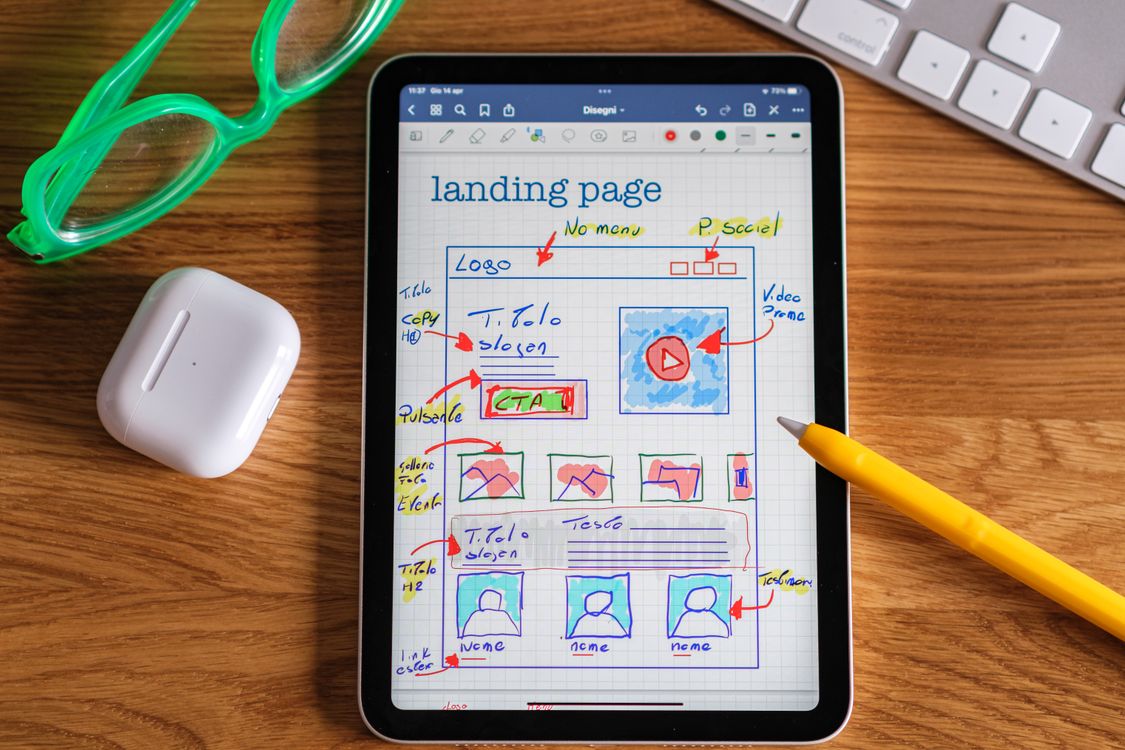
The photograph shows landing-page planning, not an unDraw screen or an editable SVG.
SOURCES READ BY THE DESK
Sources support the factual claims. The wording and synthesis on this page are original Makers Army editorial work.
Practical finish checks
- The selected illustration supports the page message
- The SVG remains editable and its source URL is recorded
- The finished use stays within the current licence boundary