Outcome
What you will make
Create a wave, blob, grid or layered background as editable SVG, then place it into a website, poster, social design or packaging concept.
Before you start
- The final canvas ratio and intended use
- Two or three project colours
- A vector editor or browser for checking the SVG
WHAT YOU LEAVE WITH
An editable SVG background placed into one finished design today.
A printable five-minute recipe covering canvas ratio, palette, export and edge checks.
WHY THIS EARNS YOUR TIME
This fixes the blank-background problem with a fast, repeatable route to an editable asset. The goal is a finished use—not endless randomising inside a generator.
THE COMPILED FIELD NOTES
01
Design the empty space
The best generated background makes room for content. If every corner is equally busy, it is decoration rather than layout support.
02
SVG first, PNG only when needed
Keep the vector master for colour and shape changes, then make a raster copy only for software that cannot place the SVG.
03
Use one recipe, not fifty random results
A repeatable palette and canvas setup is more valuable than a folder of variations nobody can reproduce.
DO THIS NEXT
-
01
Choose the final use first, then set that real canvas ratio before randomising anything.
-
02
Enter two or three colours from the project instead of accepting a generator palette by default.
-
03
Stop when the background creates useful space for the headline, product or illustration.
-
04
Download SVG and open it in a vector editor or browser to confirm shapes and colours remain editable.
-
05
Place it into the finished design and check clipping at every edge before export.
WHAT THIS DOES NOT CLAIM
The free plan has a smaller generator catalogue and medium-resolution PNG limits.
Outputs cannot be used to create a competing design-generator service.
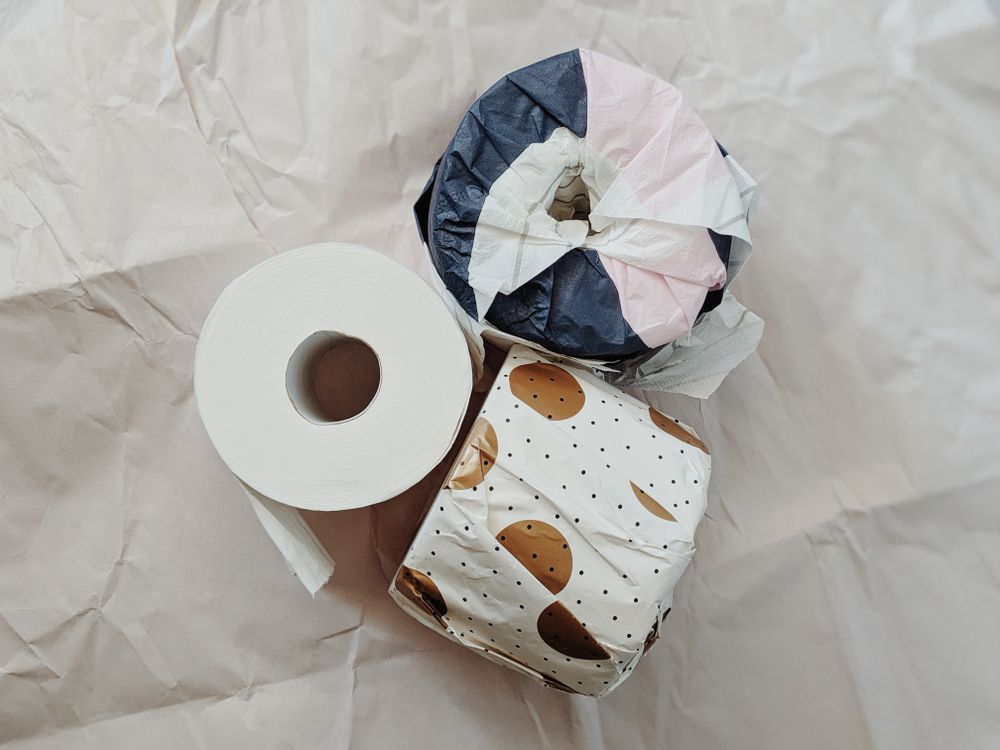
The photograph shows an abstract pattern used on real packaging; it was not made in Haikei.
SOURCES READ BY THE DESK
Sources support the factual claims. The wording and synthesis on this page are original Makers Army editorial work.
Practical finish checks
- The background leaves useful space for content
- The SVG remains editable after download
- All edges have been checked in the finished composition