Outcome
What you will make
A plain-English diagnostic order for SVGs that will not select, align, curve or export cleanly—compiled from official documentation.
Before you start
- The untouched original SVG
- A current Inkscape installation
- The destination software used for the final file
WHAT YOU LEAVE WITH
A six-step diagnostic order that can save you from rebuilding the SVG.
A printable SVG troubleshooting checklist you can keep beside Inkscape.
WHY THIS EARNS YOUR TIME
These are not release notes or crash news. They are the first six structural checks worth making when an SVG behaves strangely, ordered to rule out simple causes before you redraw useful work.
THE COMPILED FIELD NOTES
01
Selection tells you what is possible
Many apparently broken commands are unavailable because a group, clone or shape is selected instead of the path you meant to edit.
02
More nodes usually make the curve worse
A small number of deliberate nodes and useful handles is easier to control than a traced edge packed with points.
03
Optimization is a copy-only step
Optimizers can rewrite IDs, groups and metadata. Compare the result in the destination software and keep the editable master untouched.
DO THIS NEXT
-
01
Read the status bar first: it identifies what is selected and often names the next available action.
-
02
Ungroup until you can reach the actual object, then check whether it is a shape, path, clone or text object.
-
03
Reduce unnecessary nodes before reshaping; use the curve handles instead of adding more nodes.
-
04
Use Align and Distribute for objects or selected nodes instead of nudging by eye.
-
05
For text on a path, hide the path fill and stroke rather than deleting the editable path.
-
06
Keep the untouched original, then compare an optimized copy visually in SVGOMG before saving over anything.
WHAT THIS DOES NOT CLAIM
These checks do not certify compatibility with every Cricut, laser or CNC workflow.
Machine settings, kerf, blade depth and double-cut behaviour need model-specific testing.
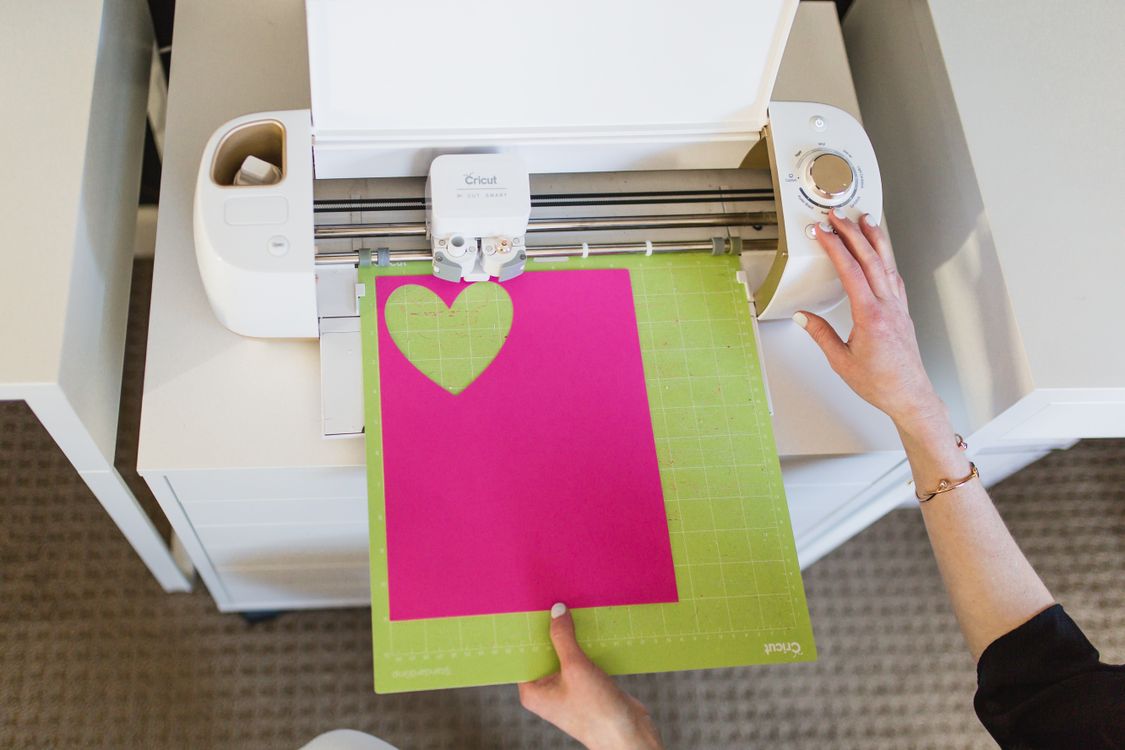
The photograph shows a real cutter in use; the exact model and source file are not identified.
SOURCES READ BY THE DESK
- Interface and status bar ↗
- Node operations ↗
- Editing paths and handles ↗
- Align and distribute ↗
- Putting text on a path ↗
- SVGOMG visual optimizer ↗
Sources support the factual claims. The wording and synthesis on this page are original Makers Army editorial work.
Practical finish checks
- The selected object type is understood before editing
- Unnecessary nodes and alignment issues have been checked
- An optimized copy is compared without replacing the master